
Agent node
Configure autonomous planning, knowledge retrieval, tools, and Skills inside a workflow.
The Agent node (agent) embeds a ReAct-based autonomous planning loop inside a deterministic workflow canvas, letting your workflow maintain strict outer routing while delegating an open-ended sub-task to an Agent equipped with tools, knowledge bases, a virtual machine sandbox, and Skills.
The Basic tab of the current node panel does not list a standalone Agent node. The Agent tab lists existing applications, which are added to the canvas as Call Application nodes. To try autonomous tasks and Skills, start with your first Agent task in Chat Agent V2.
Inputs and configuration
| Setting | Internal Key | Type | Purpose |
|---|---|---|---|
| AI Model | model | String | Select a tool-calling model |
| Prompt | systemPrompt | String | Define task goals, output format, and tool-use boundaries |
| User Question | userChatInput | String | Reference the sub-task instruction from the start node or an upstream node |
| File Link | fileUrlList | Array<string> | Supply document or image URLs accessible to the current task |
| Select Dataset | datasets | SelectDataset | Bind datasets and search parameters for on-demand Agent retrieval |
| Tools | selectedTools | Tool list | Attach system tools, HTTP tools, MCP tools, or workflow tools |
| Skill | skills | Skill list | Associate published Agent Skills |
| Computer | useAgentSandbox | Boolean | When enabled, run scripts and file operations inside the virtual machine sandbox |
Outputs and connections
| Output Port | Internal Key | Value Type | Description |
|---|---|---|---|
| AI Response Content | answerText | String | Final conclusion text synthesized after multi-step reasoning and tool calls |
| Error text | system_error_text | String | Available when Error catch is enabled; outputs diagnostic error details when model or sandbox execution fails |
Execution connections control run order; value references pass answerText to downstream Condition, Text Editor, or Assigned Reply nodes.
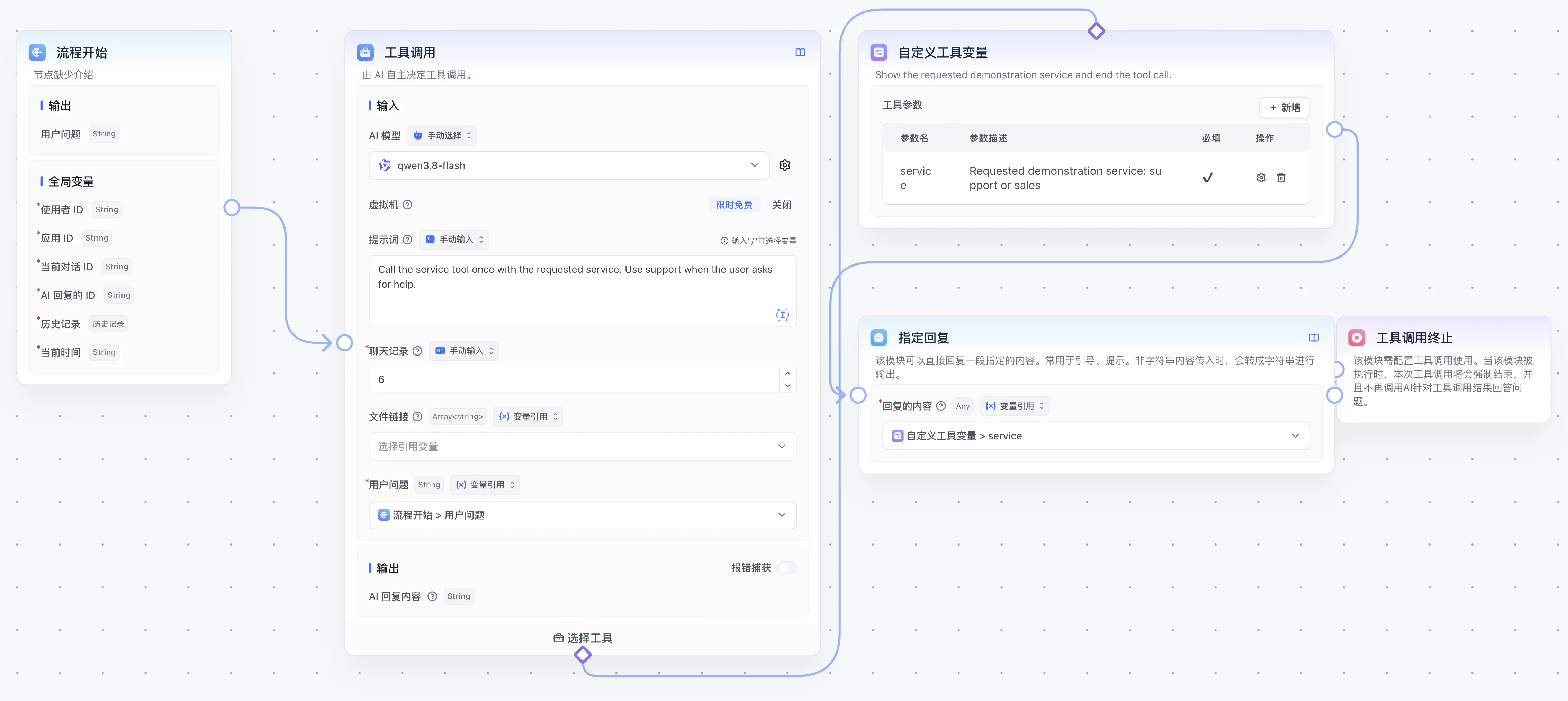
Example: policy checklist (legacy workflows)
The steps below apply to legacy workflows that already contain a standalone Agent node. For new workflows, create a Chat Agent V2 following your first Agent task and add it to the canvas from the Agent tab as a Call Application node.
- Connect Workflow Start to the Agent node and reference
userChatInputas its User Question. - Associate the
Travel Policyknowledge base and instruct the Agent:Retrieve the travel policy first, then list submission deadlines, required receipts, and finance review timelines. - Reference
AI Response Contentin a downstream archiving or Assigned Reply node. - Debug with
Prepare a travel expense checklistand expand the Agent node in run details to verify its retrieval call, returned documents, and deadlines. See your first Agent task for sample material.
Put steps with a required order in workflow connections. Tool selection inside the node depends on model planning. External write operations need clear permissions and confirmation requirements. Investigate failures through execution details, model tool support, resource permissions, and virtual-machine status.
Next: Skill integration and published versions.
Last updated