
Choose Application Types
A deep dive into runtime mechanisms, architectural differences, and selection criteria across Chat Agent, Chat Agent V2, and Workflow.
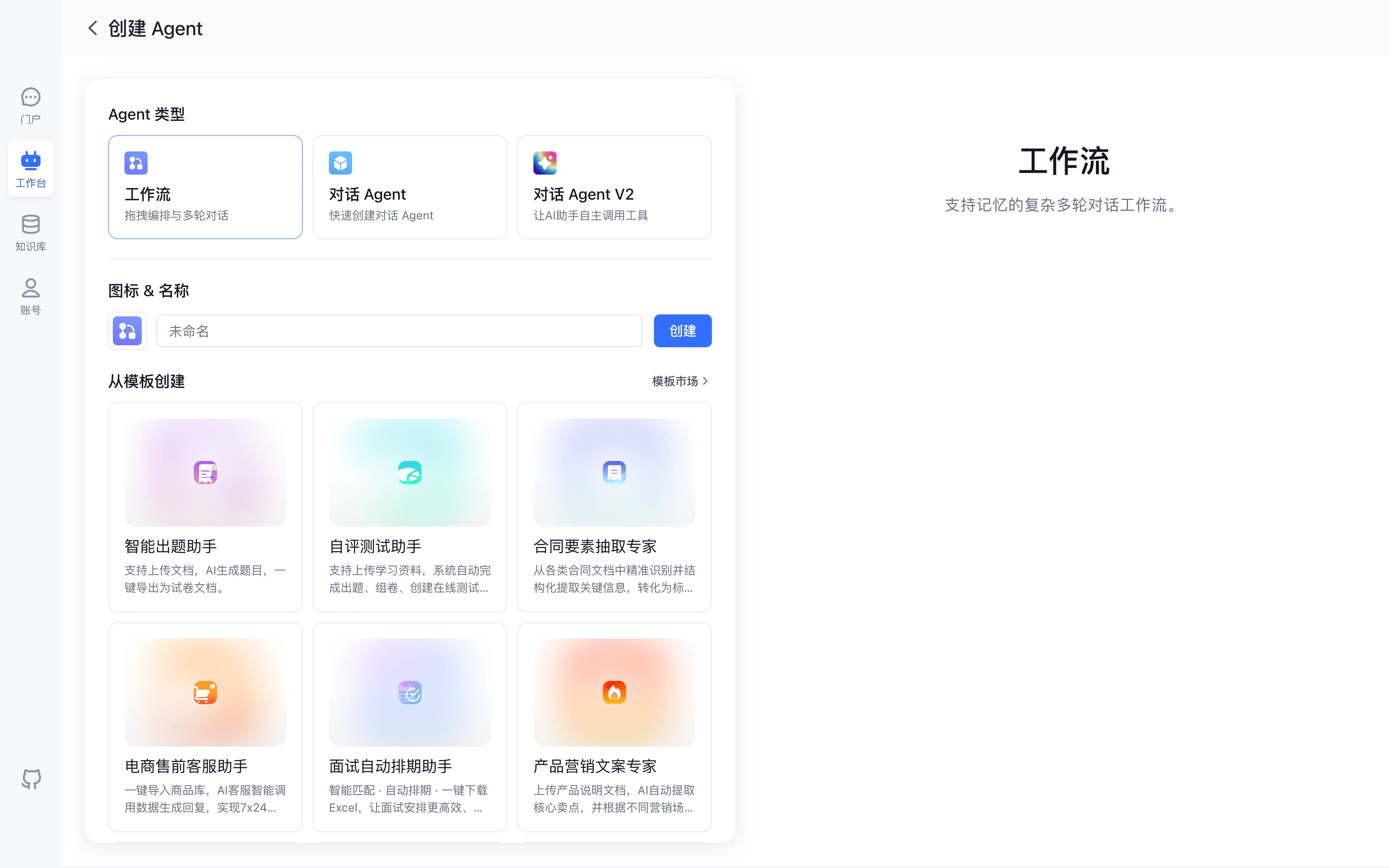
FastGPT offers three core application types: Chat Agent, Chat Agent V2, and Workflow. Choosing the appropriate type balances execution determinism, builder velocity, and dynamic reasoning capacity.
Runtime Execution Mechanics
1. Chat Agent
Chat Agent uses a form-based configuration model that supports system prompts, linked Datasets, and external Tools (plugins, workflow tools, and HTTP/MCP tools). When a user submits a message, the platform runs a streamlined sequence:
- Injects the system prompt.
- Appends historical conversation turns according to sliding-window context rules.
- Retrieves matching Dataset chunks and appends them as factual context.
- Calls attached external Tools when needed and streams the final response from the language model.
This design delivers fast setup and transparent execution paths, making it ideal for policy Q&A, product manuals, structured drafting assistants, and lightweight tool-assisted tasks.
2. Chat Agent V2
Chat Agent V2 employs an autonomous ReAct (Reasoning + Acting) execution loop. In this architecture, the model functions as an active decision orchestrator:
- Goal Decomposition: Analyzes incoming tasks and determines necessary information and tools.
- Tool Execution: Dynamically calls built-in capabilities (DatasetSearch, Sandbox, FileParsing), My Agents, Skills, and custom Tools.
- Observation: Ingests tool outputs and updates internal reasoning traces.
- Iteration: Repeats the thought-action loop until achieving the target objective, returning the final conclusion to the user.
With ReAct dynamic planning, built-in system tools, and an isolated virtual machine sandbox, this design excels in multi-source aggregation, live data analysis, and open-ended task handling.
3. Workflow
Workflow runs on a directed graph scheduling engine (supporting conditional loopbacks). Builders configure nodes and directional connections explicitly on the visual canvas:
- Explicit Control Flow: Edges strictly determine execution sequences and parallel processing paths.
- Deterministic Data Flow: Upstream node outputs map directly to downstream input ports through variable bindings.
- Logic Components: Supports conditional branching (If-Else), loops, question intent classification, interactive form prompts, and parallel node runs.
In this design, execution paths are determined by canvas connections with step-by-step state traceability, fitting multi-step business approvals, multi-model verification, structured ETL extraction, and standard enterprise system integration.
Decision Matrix
Compare application types across determinism, construction cost, reasoning depth, and latency:
| Dimension | Chat Agent | Chat Agent V2 | Workflow |
|---|---|---|---|
| Execution Determinism | Moderate (governed by prompt constraints) | Dynamic (governed by autonomous model decisions) | Path-deterministic (governed by canvas edges and branches) |
| Authoring Complexity | Minimal (form configuration for prompt, Dataset, and Tools) | Moderate (built-in system tools, Skills, and virtual machine sandbox) | Highly flexible (requires edge wiring and variable mapping) |
| Tool Extensibility | Supports external Tools and linked Datasets | Dynamic scheduling across built-in system tools, custom Tools, and Skills | Granular node-level tool invocation |
| Multi-Step Reasoning | Dataset search and tool calling | ReAct dynamic planning and sandbox reasoning loops | Multi-node sequential and conditional flow |
| Time to First Token | Minimal (single round-trip model latency) | Variable (depends on tool execution rounds) | Staged (depends on predecessor node execution) |
| Typical Use Cases | Customer support, knowledge FAQ | Smart analytical assistants, open tasks | Complex approval pipelines, data extraction, auditing |
Hybrid Architecture Patterns
In production systems, these application types combine seamlessly:
Invoking Agents in Workflows
In new workflows, open the "Agent" tab in the node panel to add an existing Chat Agent V2 (via the Run Application node); existing workflows that already contain a standalone Agent Node continue to run as configured. This keeps overall pipeline routing explicit while delegating open-ended synthesis to an agent.
Publishing Workflows as Tools
Create a Workflow Tool under "Tools" in Studio. The workflow tool declares explicit input and output schemas and attaches directly to a Chat Agent or Chat Agent V2, delivering dependable sub-routines inside an autonomous planning session.
Next Steps
Select a tutorial to begin implementation:
- Build basic Q&A: Quick Start Tutorial.
- Explore autonomous agents: Create Your First Agent Task.
- Design visual logic: Build Your First Workflow.
Last updated