
App Building/Skills
Agent Integration
How to bind published skills to AI agents and execute them.
How to Bind a Skill to an Agent?
- Go to the editing page of the "Agent" app where you want to integrate this skill (currently, only Agent apps support direct skill binding; simple apps and workflows do not support it).
- In the configuration panel on the left, locate the "Associated Skill" section.
- Click the "Select" button on the right, and in the popup list, select your published skill.

💡
Note: Skill code needs to execute within a secure and isolated environment. Therefore, when you associate a skill, the system will automatically enable the "Virtual Machine" for you; you cannot disable the virtual machine while a skill remains associated.
How Agents Call Skills
Once bound, the Agent can use this Skill:
- Multi-Skill Injection: An agent can be bound to multiple different skills at the same time. When the sandbox (virtual machine) starts, all bound skill codes and configurations are automatically injected and deployed into the sandbox workspace. The skills are isolated from each other and will not conflict.
- Automated Invocation: Provided that the LLM used is sufficiently intelligent, you don't need to manually command the agent to run code. The AI will automatically judge whether to trigger the skill based on your input, and execute it securely in the background sandbox.
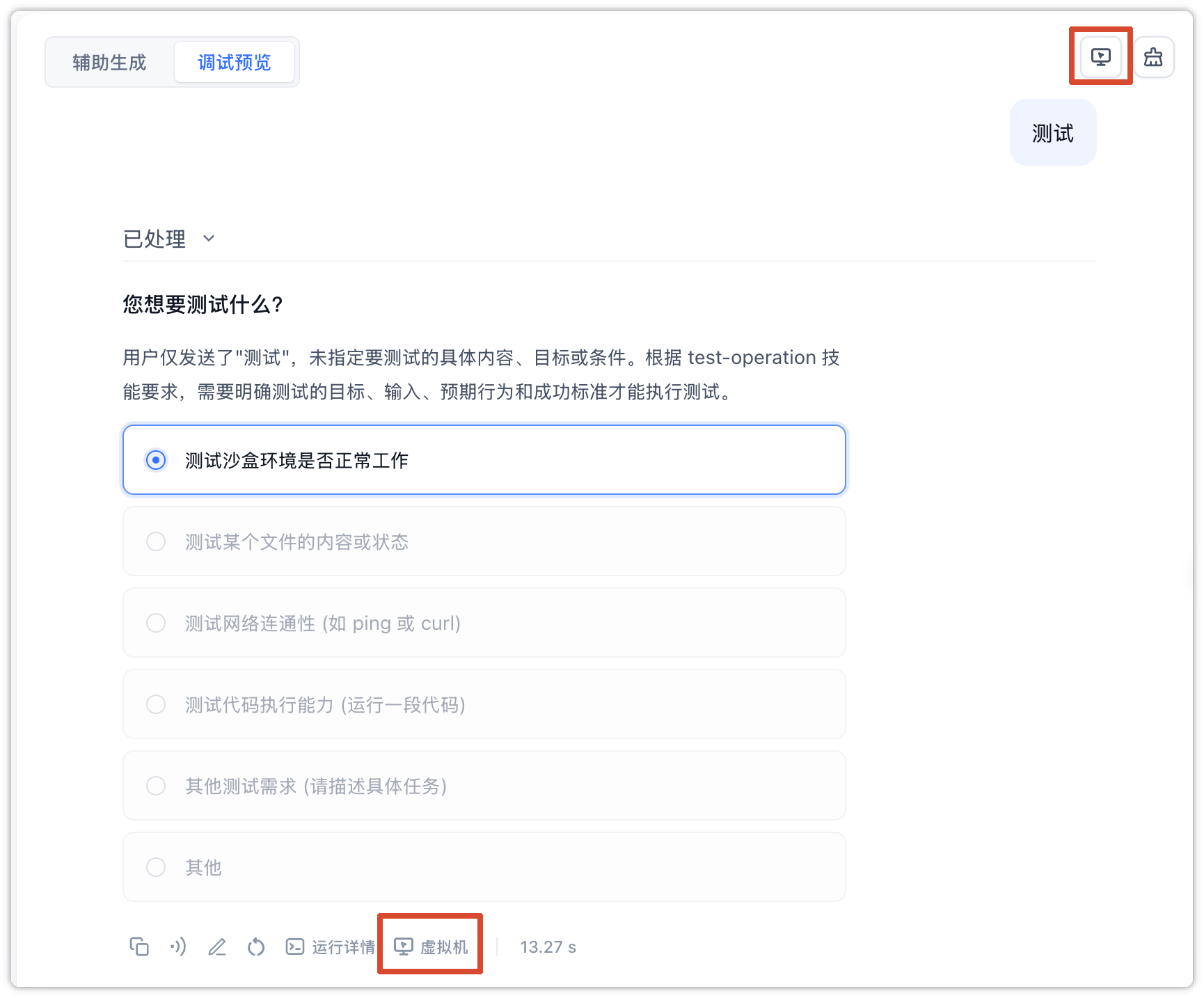
- Virtual Machine File View: You can click the "Virtual Machine" button at the bottom of the chat bubble (or the computer icon in the top right corner) to view all the latest files and code status in the virtual machine directly in the popup sidebar.
Edit on GitHub
File Updated