
Model Providers
Select models by capabilities, access scope, and pricing, and find the relevant configuration entrance.
Open Account → Model provider (available in Commercial Edition and FastGPT Cloud; Community Edition manages models under the Admin console) to inspect the active model catalog, filter by provider and model category, and check tiered token pricing. When feConfigs.enable_team_model is enabled, the page exposes five team model management tabs; otherwise, it displays the Available models catalog.


Choose for the task
- Use language models for conversations and summaries. Verify tool calling, vision, and reasoning against model labels and configuration.
- Use embedding models for knowledge indexing. Retrieval reranking requires a configured reranker.
- Confirm member access and quota before selecting a model in an application, then run a small sample.
| Model Category | Where It Is Used | Key Attributes to Verify |
|---|---|---|
| Language Model (LLM) | Chat Agent, Agent V2, Workflow AI Chat / Question Classification / Content Extraction / Query Extension | Max context window, max output tokens, Function Calling support, vision/audio badges, reasoning support, and tiered input/output rates per million tokens (M Tokens) |
| Embedding Model | Vector index building and semantic search in datasets | Vector dimensions, chunk token limit, and unit price per million tokens (after creation, you can switch the Index Model in the dataset's right-side info panel to rebuild vector indexes automatically) |
| Rerank Model | Second-stage relevance reranking during knowledge retrieval | Context window and unit price per million tokens |
| Speech Model (STT / TTS) | Microphone speech-to-text and assistant voice synthesis | Supported languages, voice presets, and unit price (per 1M characters for TTS, per 60 seconds for STT) |
Display names, model instance identifiers, and provider model names serve different purposes. Use the exact identifier required by an API or configuration contract. Pricing and provider support follow the current environment. System models deduct AI points according to the listed rates, while team-configured models are free of platform points.
Team and platform configuration
Members granted the Install Models permission under Account → Team management → Permissions (see Members, Departments, Groups, and Permissions) can configure team models when feConfigs.enable_team_model is enabled. System models are managed by the self-hosted root system administrator account (which displays the Admin entry at the bottom of the left navigation bar; FastGPT Cloud does not expose this entry to tenants) under Admin → System Resources → System Models (Admin → System Models in Community Edition). See model configuration for self-hosted administration.
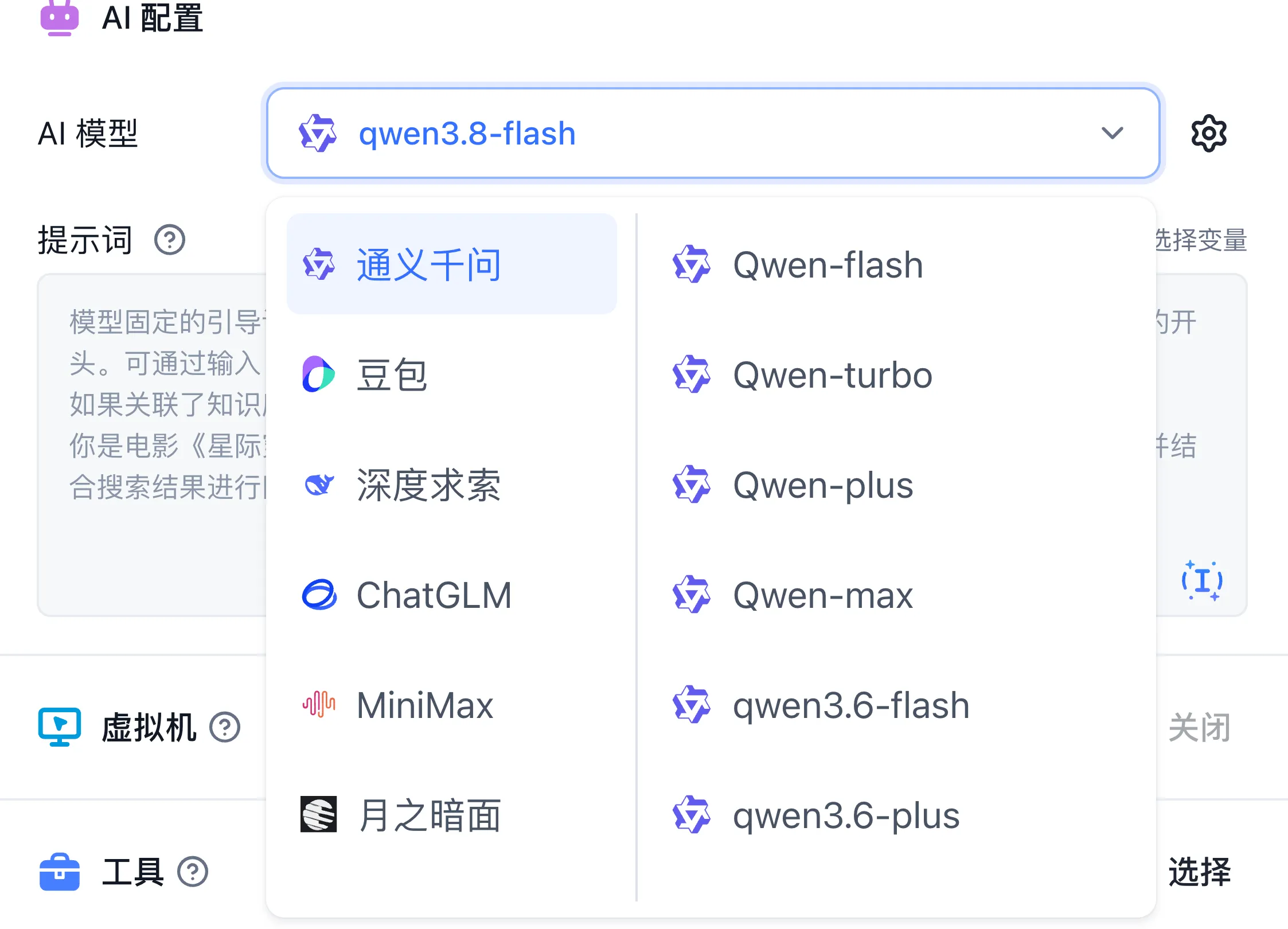
- Available Model Catalog: Displayed in all environments; filter by provider (such as Qwen, DeepSeek, OpenAI, GLM, MiniMax) and model type, and hover over pricing cells to inspect tiered input/output rates.
- Team Model Administration (when
feConfigs.enable_team_modelis enabled under Account → Model provider): Exposes Available models, Model configuration, Model provider, Call log, and Monitoring tabs. - Platform System Model Administration (under Admin → System Resources → System Models): Exposes Model configuration, Model provider, Call log, Monitoring, and Model probes tabs for global presets, routing weights, and connectivity probes.
If a listed model fails during execution, inspect the selected instance, member permissions, channel credentials, provider status, and quota. Test configuration updates before verifying dependent applications.
Bulk Replace Invalid Team Model References
When a model is retired or its identifier changes, a Team Owner can click Replace unavailable models in the filter bar of Account → Model provider to repair unavailable static model references across team assets:
- Select Replacement Models: Choose the target Language Model (LLM), Text-to-Speech Model (TTS), and Rerank Model in the modal.
- Scan and Replacement Scope: Upon confirmation, the system scans the current team's Datasets, Apps, and all historical App versions (including custom model selector fields), replacing unavailable static model references with the selected targets and updating valid resource snapshots. Empty values, dynamic variable references, and Embedding models are skipped (changing an Embedding model requires an index rebuild in the knowledge base settings).
- Inspect Counts and Retry: After execution, the modal reports Records scanned, References replaced, References skipped, Conflicts, and Failed records per resource type (
Dataset,App,App version) along with failure samples. If concurrent edits or interruptions occur, click Run again with the same mapping to process remaining unavailable references.
Last updated