
Configuration Panel
Detailed configuration guide for LLM parameters, virtual machine environment, and skill integration in Chat Agent V2.
The Configuration Panel is used to configure and bind all the core capabilities and execution environments required by your Agent.
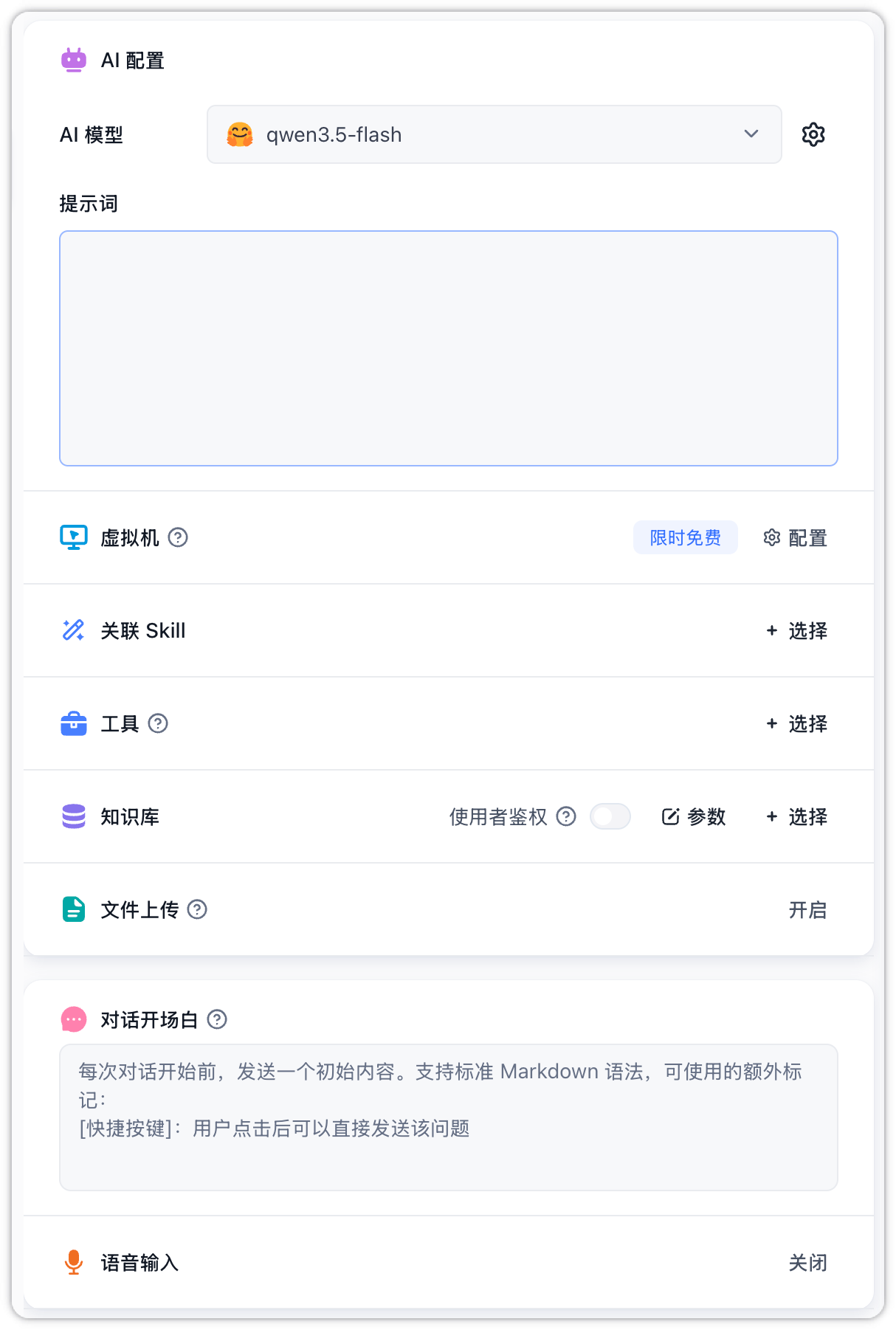
AI Configuration & Virtual Machine
-
AI Model: Choose the chat model and configure its parameters. For general LLM parameters, see AI Settings.
-
Prompt: Define the core persona, objectives, and specific rules for the Agent. The editor supports rich text, and you can type
@to quickly reference and bind tools, etc.

-
Virtual Machine: Once enabled, the system assigns a dedicated Linux sandbox environment for each session, supporting code execution, file operations, and startup command configuration. For architecture and debugging details, refer to Virtual Machine. For startup script details and execution limits, see Virtual Machine Lifecycle.
Associate SKILL & Tools
-
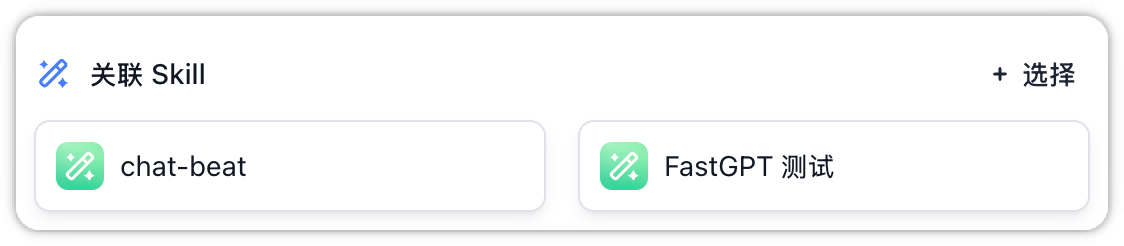
Associated SKILLs: Select and bind published SKILL packages from the skill library. The entrypoint script in the SKILL package will execute automatically when the VM spins up. If you associate SKILLs without enabling the VM sandbox, a warning "Virtual Machine Not Ready" will be displayed. To learn how to write and package custom SKILLs, please refer to Development & Debugging.
-
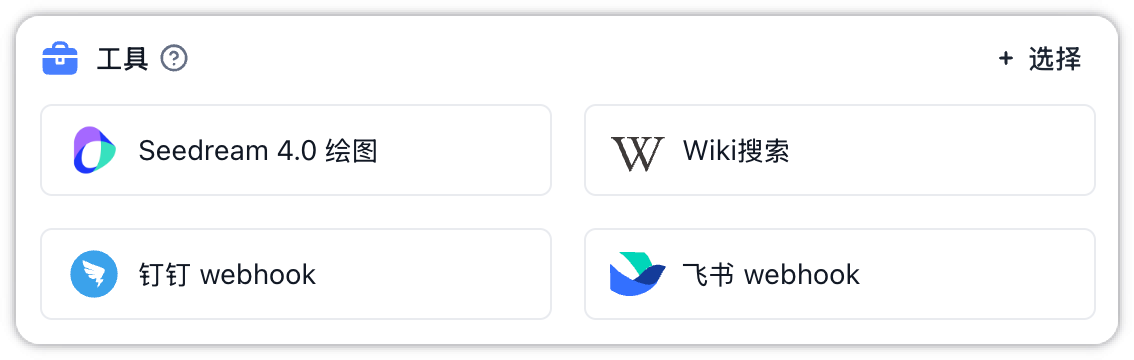
Tools: You can choose to bind system built-in tools (e.g., search engines, charts), custom tools created by yourself or the team (including HTTP/MCP tools), or created apps.
Dataset & File Uploads
- Dataset: Associate specific corporate documents and adjust search settings (Hybrid search, Reranking, etc.). It also supports configuring team member permissions.
- File Uploads: Toggle file uploads for end-users, permitting images, audio, video, or custom file extensions. File upload capabilities automatically adapt based on the multimodal features of the selected LLM. For detailed configurations, see File Input.
File Updated