
API File Library
Introduction and usage of the FastGPT API File Library
 |  |
Background
FastGPT supports local file imports, but in many cases users already have an existing document library. Re-importing files would create duplicate storage and complicate management. To address this, FastGPT offers an API File Library that connects to your existing document library through simple API endpoints, with flexible import options.
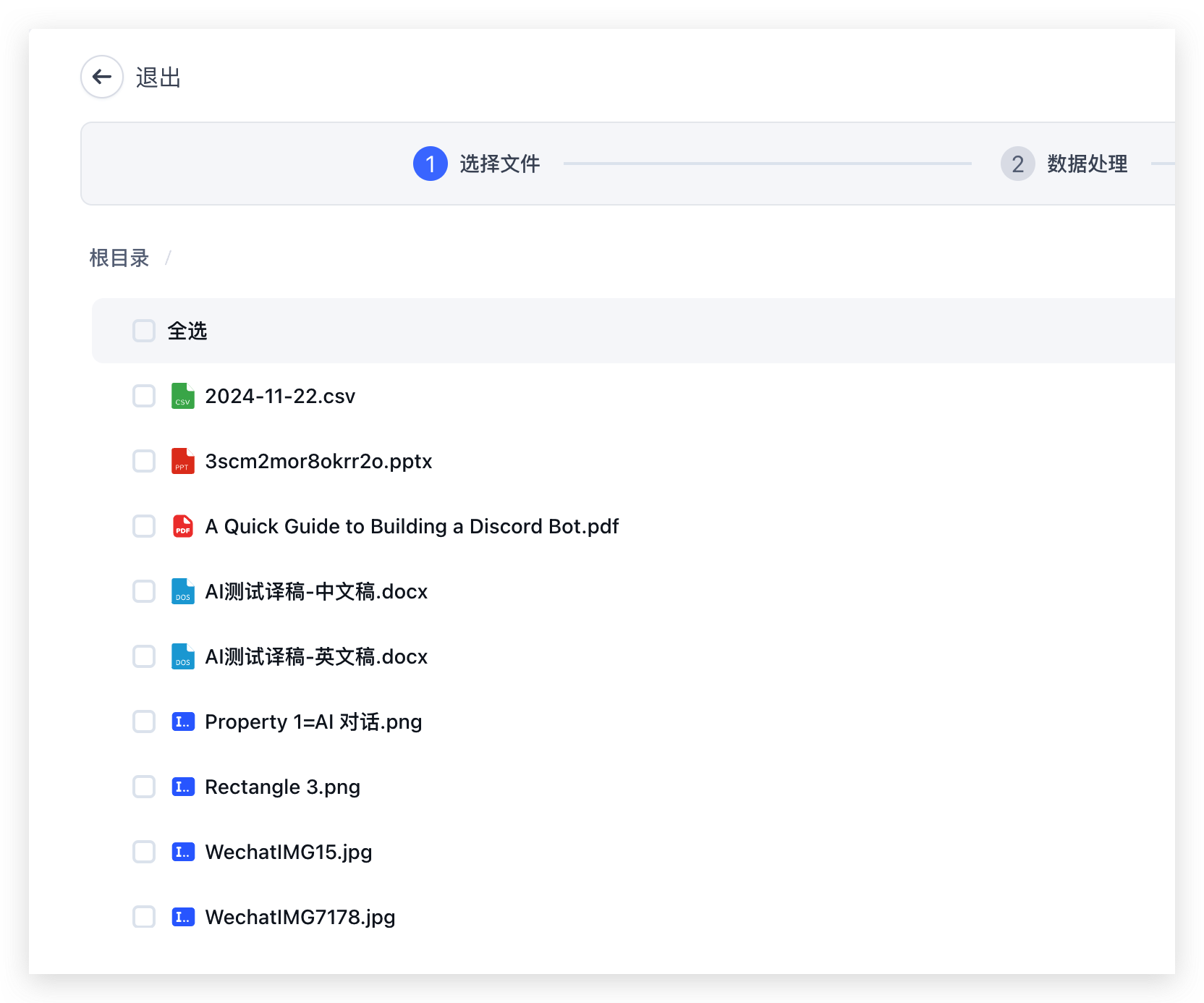
The API File Library lets you integrate your existing document library seamlessly. Implement a few endpoints that conform to FastGPT's API File Library specification, provide the service's baseURL and token when creating a knowledge base, and you can browse and selectively import files directly from the UI.
How to Use the API File Library
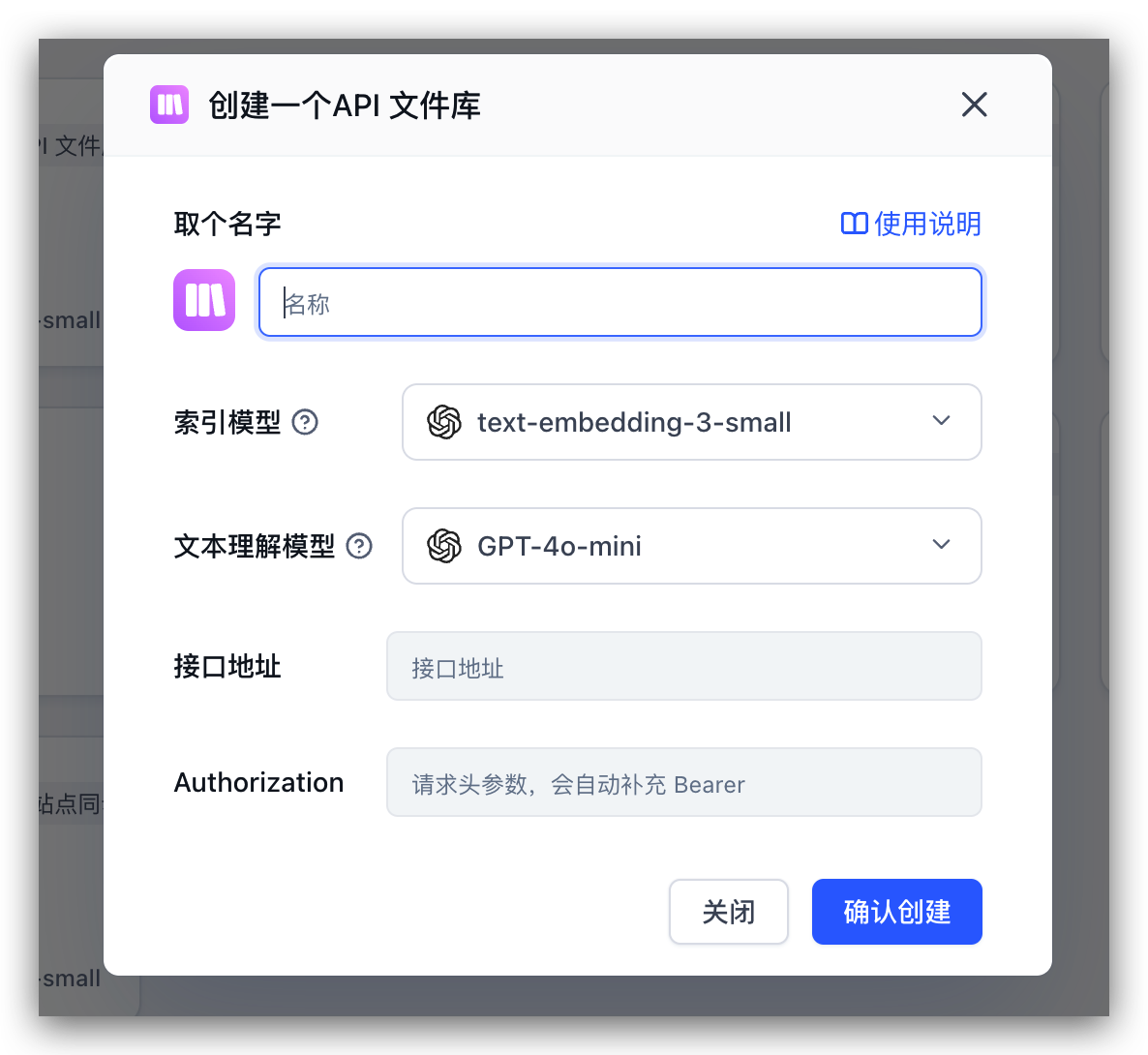
When creating a knowledge base, select the API File Library type and configure the key parameters: the baseURL of your file service and the request header for authentication. As long as your endpoints conform to FastGPT's specification, the system will automatically fetch and display the complete file list for selective import.
You need to provide three parameters:
- baseURL: The base URL of your file service
- authorization: The authentication request header, sent as
Authorization: Bearer <token> - basePath: Optional, the root directory path to specify the starting position of the file tree
API Specification
Response format:
type ResponseType = {
  success: boolean;
  message: string;
  data: any;
}
Data types:
// Single file item in the file list
type FileListItem = {
  id: string;
  parentId: string | null;
  name: string;
  type: 'file' | 'folder';
  updateTime: Date;
  createTime: Date;
  hasChild?: boolean; // Optional, whether it has child nodes, defaults to true for folder type
}
1. Get File Tree
- parentId - Parent ID, optional. If not provided or null, the configured basePath will be used as the root directory
- searchKey - Search keyword, optional
curl --location --request POST '{{baseURL}}/v1/file/list' \
--header 'Authorization: Bearer {{authorization}}' \
--header 'Content-Type: application/json' \
--data-raw '{
    "parentId": null,
    "searchKey": ""
}'
{
"success": true,
"message": "",
"data": [
{
"id": "xxxx",
"parentId": "xxxx",
"type": "file",
"name":"test.json",
"updateTime":"2024-11-26T03:05:24.759Z",
"createTime":"2024-11-26T03:05:24.759Z",
"hasChild": false
}
]
}2. Get Single File Content (Text Content or Access Link)
curl --location --request GET '{{baseURL}}/v1/file/content?id=xx' \
--header 'Authorization: Bearer {{authorization}}'
{
"success": true,
"message": "",
"data": {
"title": "Document Title",
"content": "FastGPT is an LLM-based knowledge base Q&A system with out-of-the-box data processing and model invocation capabilities. It also supports visual workflow orchestration via Flow for complex Q&A scenarios!\n"
}
}- title - File title, optional. Used to display the file name. If not provided, the system will attempt to parse the filename from
previewUrl. - content - The text content of the file, optional. Returns the complete text content of the file directly, which the system will use for indexing and retrieval.
- previewUrl - The access link to the file, optional. Provides an accessible file URL, and the system will automatically request this address to download the file and extract its content. Supports various file formats (such as PDF, Word, Markdown, etc.).
Important Notes:
- Either
contentorpreviewUrlmust be returned, at least one is required, otherwise an error will occur. - If both
contentandpreviewUrlare returned,contenttakes priority and the system will use thecontentdirectly. - When
previewUrlis returned, the system will access the link to read and parse the document content, and will cache the parsing results to improve performance.
3. Get File Read Link (for Viewing the Original)
id is the file's ID.
curl --location --request GET '{{baseURL}}/v1/file/read?id=xx' \
--header 'Authorization: Bearer {{authorization}}'
{
"success": true,
"message": "",
"data": {
"url": "xxxx"
}
}- url - File access link; opens automatically once retrieved.
4. Get File Details
id is the file's ID.
curl --location --request GET '{{baseURL}}/v1/file/detail?id=xx' \
--header 'Authorization: Bearer {{authorization}}'
{
"success": true,
"message": "",
"data": {
"id": "xxxx",
"name": "test.json",
"parentId": "xxxx",
"type": "file",
"updateTime": "2024-11-26T03:05:24.759Z",
"createTime": "2024-11-26T03:05:24.759Z"
}
}- id - File ID
- name - File name
- parentId - Parent ID, null indicates root directory
- type - File type, file or folder
- updateTime - Update time
- createTime - Creation time
File Updated