
Member Invitation Links
Create, manage, and revoke team invitation links to onboard collaborators into a FastGPT workspace.
Team Owners and members granted the Team Admin permission (verified in the Admin column under Account → Team management → Permissions; see Members, Departments, Groups, and Permissions) can invite collaborators by generating member invitation links. Teams running in Sync mode or WeCom mode are managed by external directory synchronization and do not display the Invite Members button.
How to Use
- Navigate to "Account → Team management → Members" in the left navigation bar and click the "Invite Members" button in the upper-right corner.
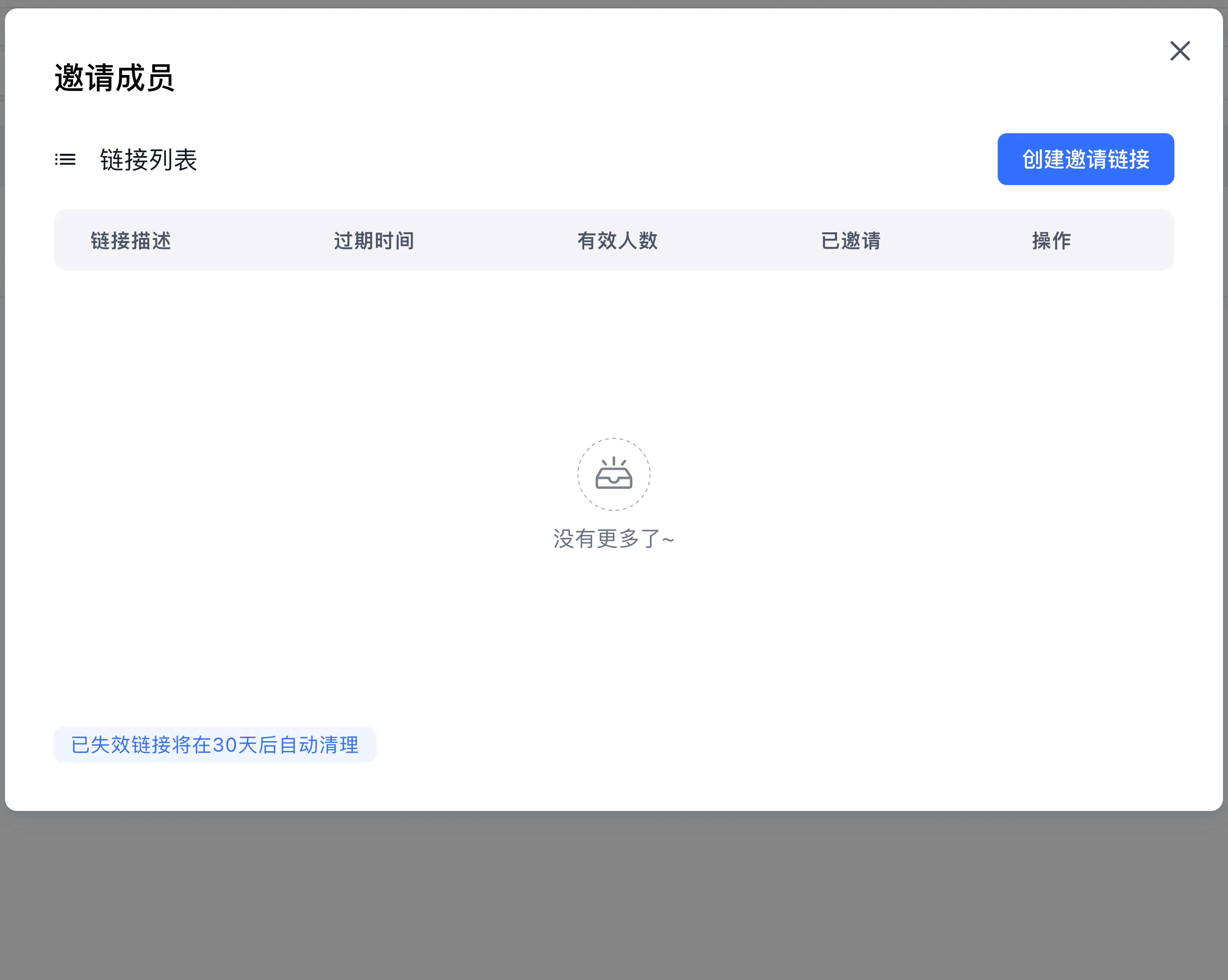
- In the invitation dialog, click "Create Invitation Link" to generate a new link
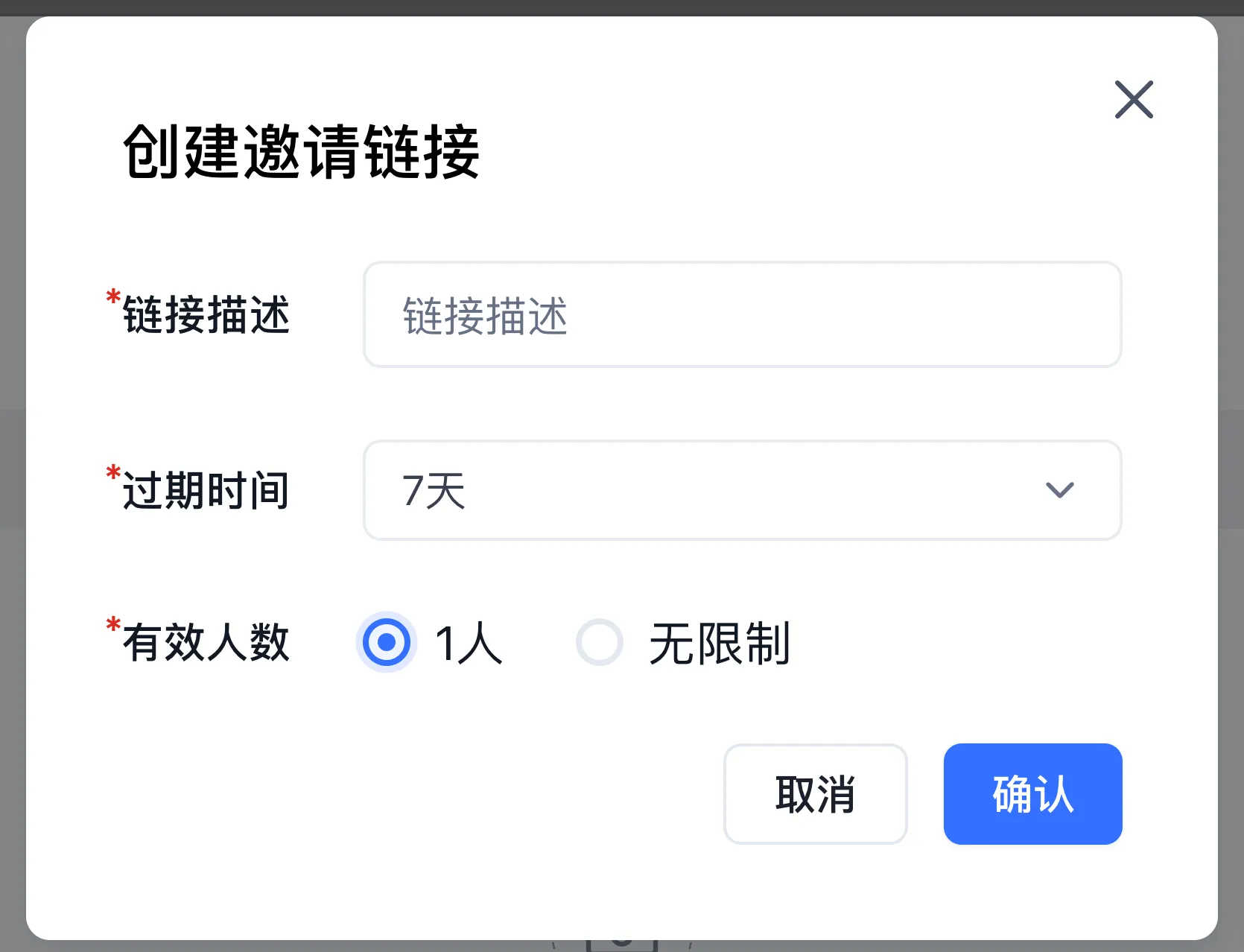
- Fill in the details
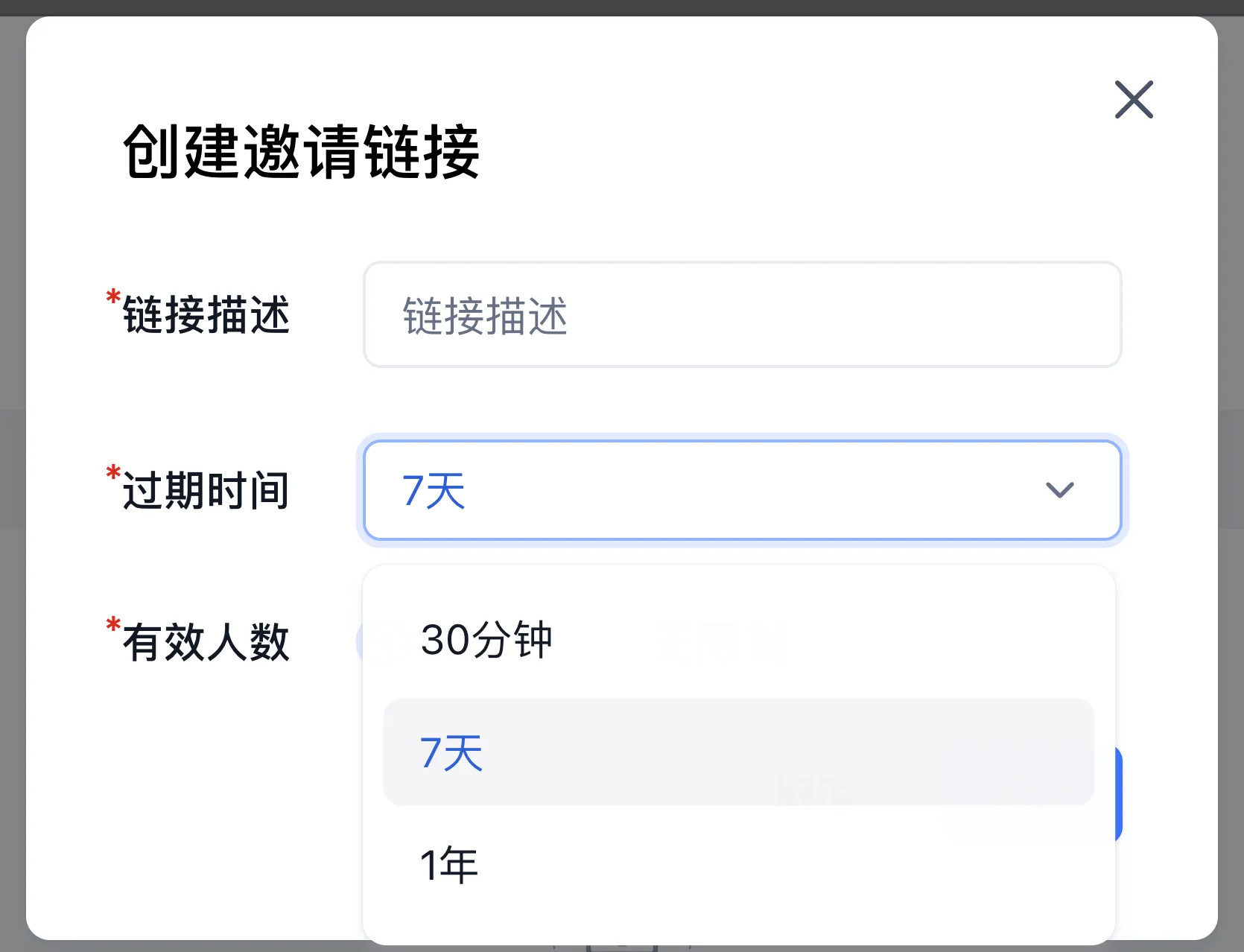
Link description: We recommend describing the intended use case or purpose. The description cannot be changed after creation.
Expiration: 30 minutes, 7 days, or 1 year
Usage limit: 1 person or unlimited
- Click "Copy Link" and send it to the people you want to invite
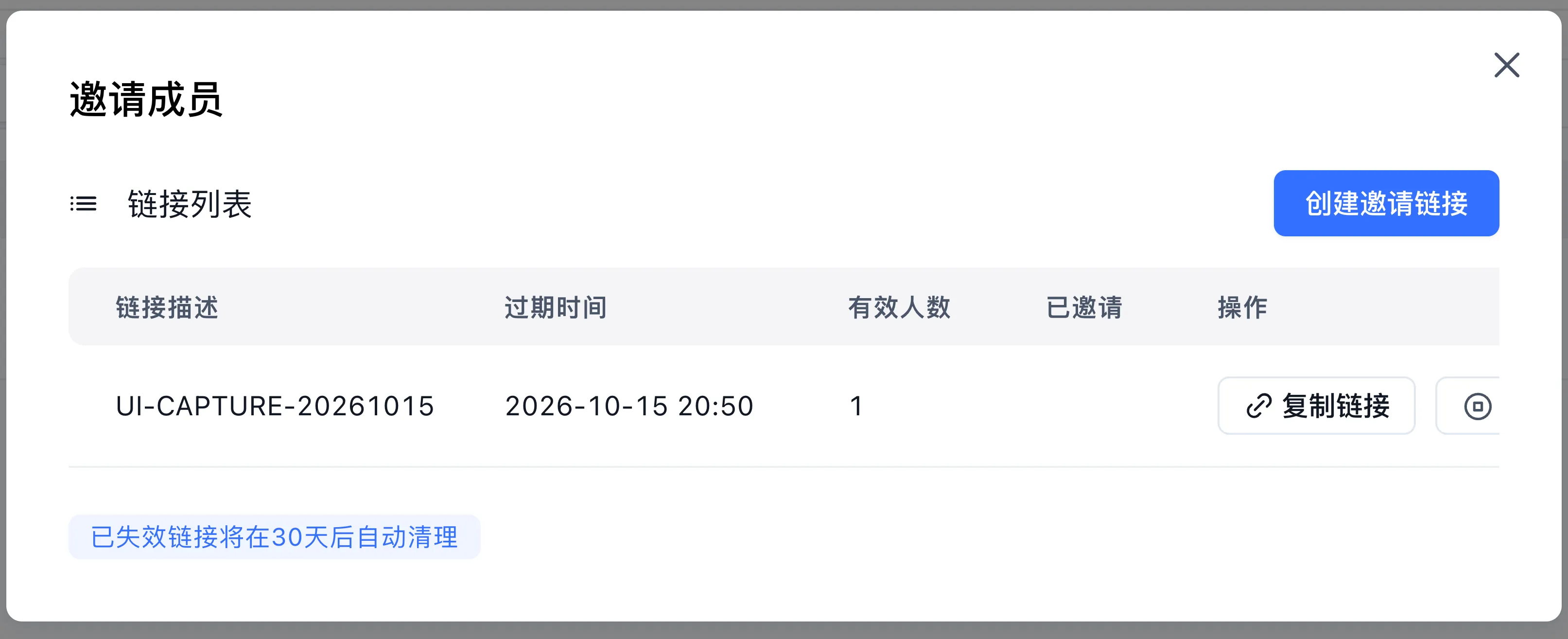
- When a user visits the link, they will be redirected to the login page if not logged in or registered. After logging in, they will be taken to the team page to handle the invitation.
Invitation links look like: fastgpt.cn/account/team?invitelinkid=xxxx

Enter a "Team member name" (20 characters max) in the dialog and click "Join team" to join the team.
Click "Reject invitation" to close the dialog. The user can still accept the invitation by visiting the link again later.
Link Expiration and Auto-Cleanup
Why Links Expire
- Manually disabled by a Team Admin.
- Automatically disabled upon reaching its expiration time.
- A single-use link (1-person limit) has already been used by a member to join the team.
Disabled links cannot be accessed or re-enabled.
Link Limits
Each user can have up to 10 active invitation links at a time.
Auto-Cleanup
Disabled links are automatically deleted after 30 days.
Last updated