
Assigned Reply
Use the FastGPT Workflow Assigned Reply node to output static text, interpolated variables, or intermediate status messages to the user.
Features
- Can be added multiple times (helps keep complex workflows visually clean by avoiding tangled connections)
- Supports manual input
- Supports external input
- Outputs results to the client
The Assigned Reply node is typically used for special-case responses. There are two ways to define reply content:
- Manually enter fixed content.
- Use variable references.
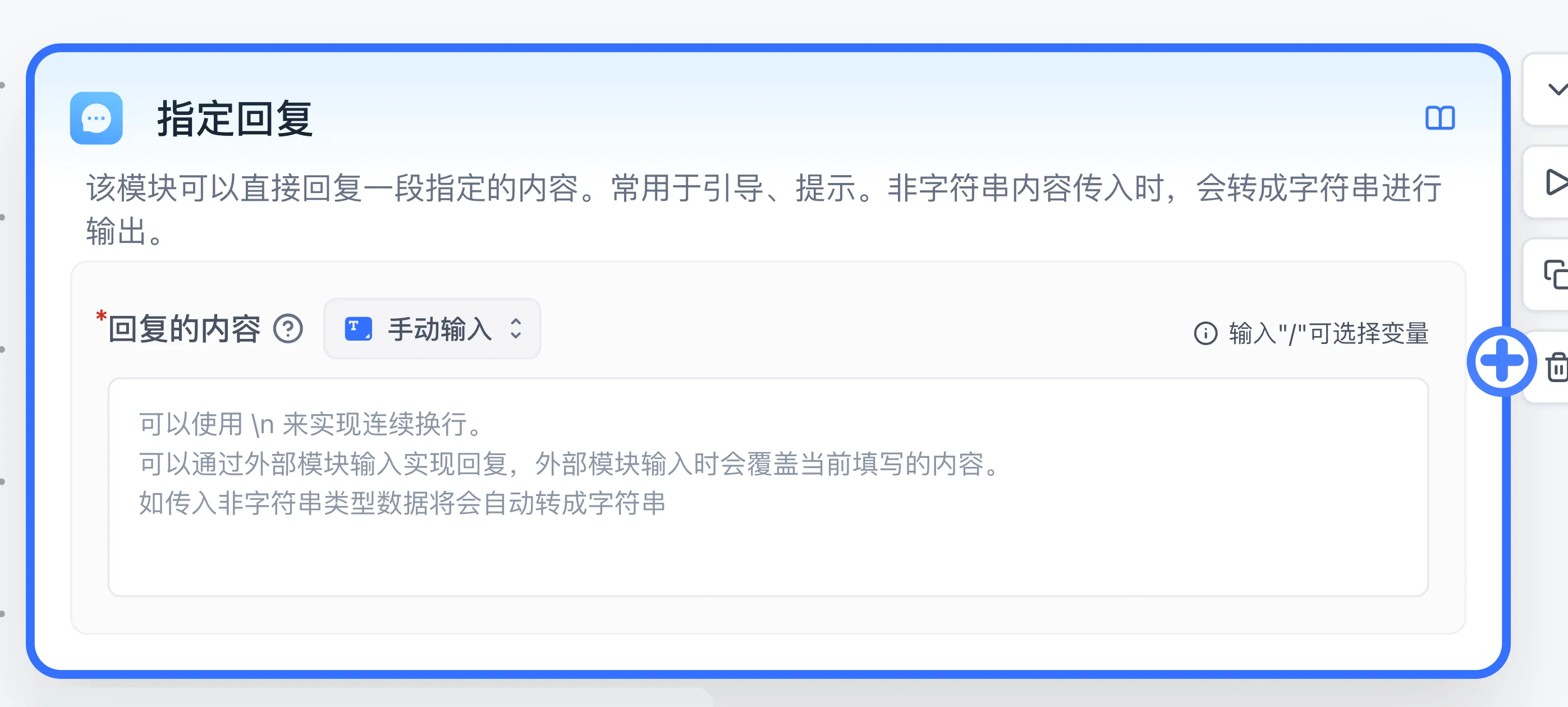
Configuration and boundaries
Response content defaults to Manual input (where you can enter static text or type / to insert variables) and can also be switched to Variable reference to bind an upstream node output directly. Text is displayed directly; objects and other values are formatted as JSON text. This node sends existing content, and its template declares no data-output fields. Reference the original upstream data for later processing.
Example
Connect Start → Assigned Reply and enter Request received. as the response. Debug with any question and expect that fixed reply. Then replace the content with a reference to the starting user question. Submit Hello and expect the response to contain Hello.
For an empty reply, inspect its input reference. For duplicate replies, inspect the display settings of AI Chat and other reply nodes on the same execution path. Use Text Editor to combine content before displaying it here.
Last updated