
WeChat Personal Account Integration
Connect a FastGPT application to a WeChat personal account for automated chat and group replies.
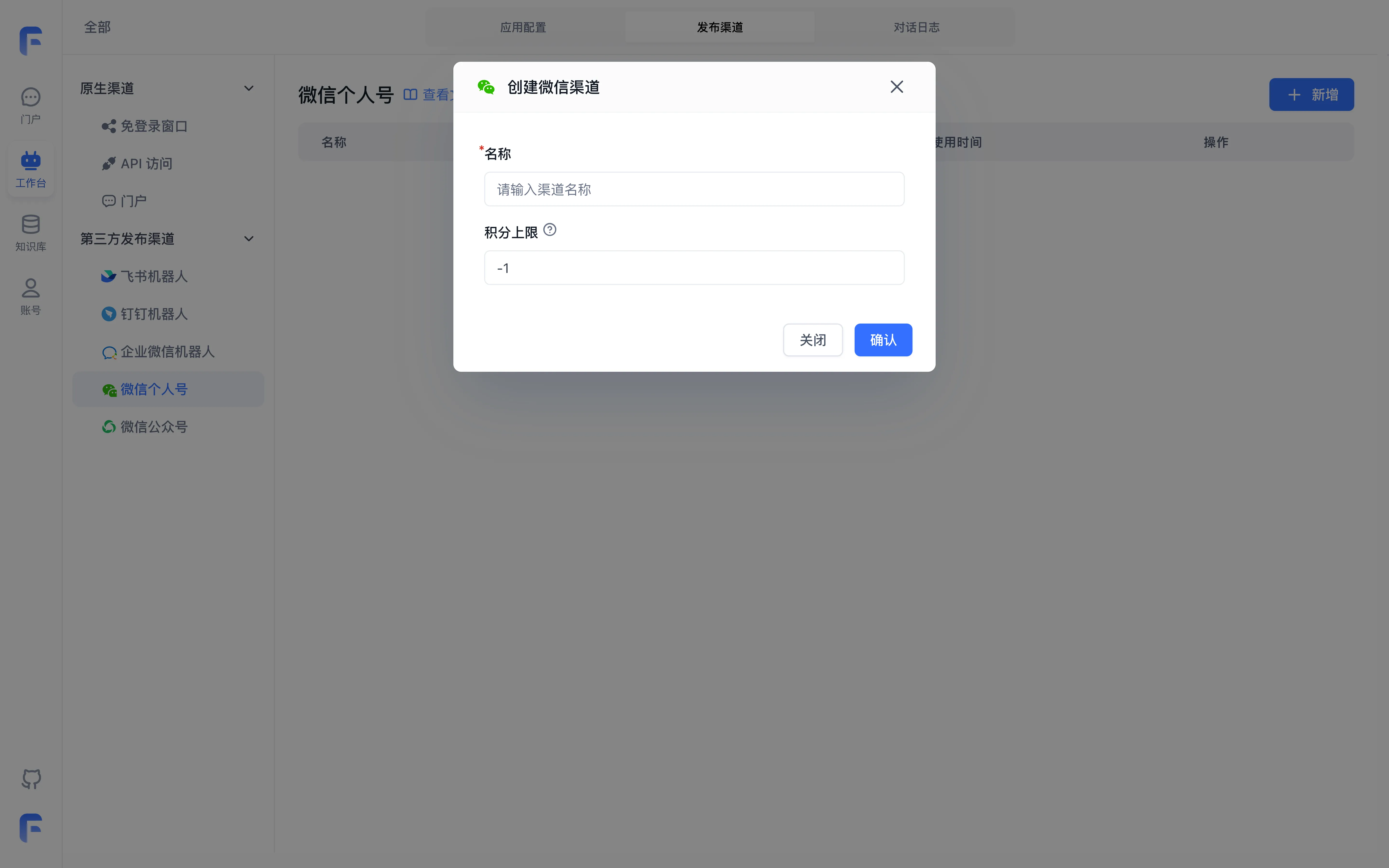
Enter a channel name and points limit. After creation, sign in using the QR code provided by the channel.
1. Create a Publishing Channel
Open your FastGPT Agent, click the tab at the top to switch to Publishing Channels, select WeChat Personal, and click New.
The name identifies the channel; the points limit caps the channel's usage. Set it according to your test or production scale.
2. Scan QR Code to Log In
After creating the channel, a new entry will appear. For the first time, you need to scan a QR code to log in. Click Scan to Login to display the login QR code.
3. Verify Conversation
Once connected via QR code, a WeChat ClawBot will appear in your contacts list.
Open the conversation window and send a test message to verify automated responses.
Type Reset or /reset in the input field to clear chat history; for missing client entries or response troubleshooting, see App, Chat, and Plugin FAQ.
Last updated