
App, Chat, and Plugin FAQ
Common questions and troubleshooting for FastGPT app building, chat interface, and team plugin management
App Building and Orchestration
How do I improve Question Classification accuracy in multi-turn chats?
The Question Classification node has access to conversation context. When two consecutive questions are closely related, the model can usually classify them accurately based on their connection. For example, if a user asks "How do I use this feature?" followed by "What are the limitations?", the model uses that context to interpret the follow-up.
When consecutive questions have little relation to each other, add a global variable (such as category) under System Settings → Global Variables: after the first pass through Question Classification, use a Variable Update node to store the category value; place an If/Else node right after Start to check that global variable so populated sessions go directly to the target branch while empty sessions enter Question Classification.
Tip: Build batch test scripts to evaluate your question classification accuracy.
When does scheduled execution trigger for an app?
If a user opens a shared link and stays on the page, scheduled execution still works as expected — it takes effect after the app is published and runs in the background.
Why do my app changes fail to appear in chat or published channels?
After changing an app, click Save → Save and Publish. Chat and published channels only use the updated app configuration after publishing.
How do I disable Markdown formatting in app responses?
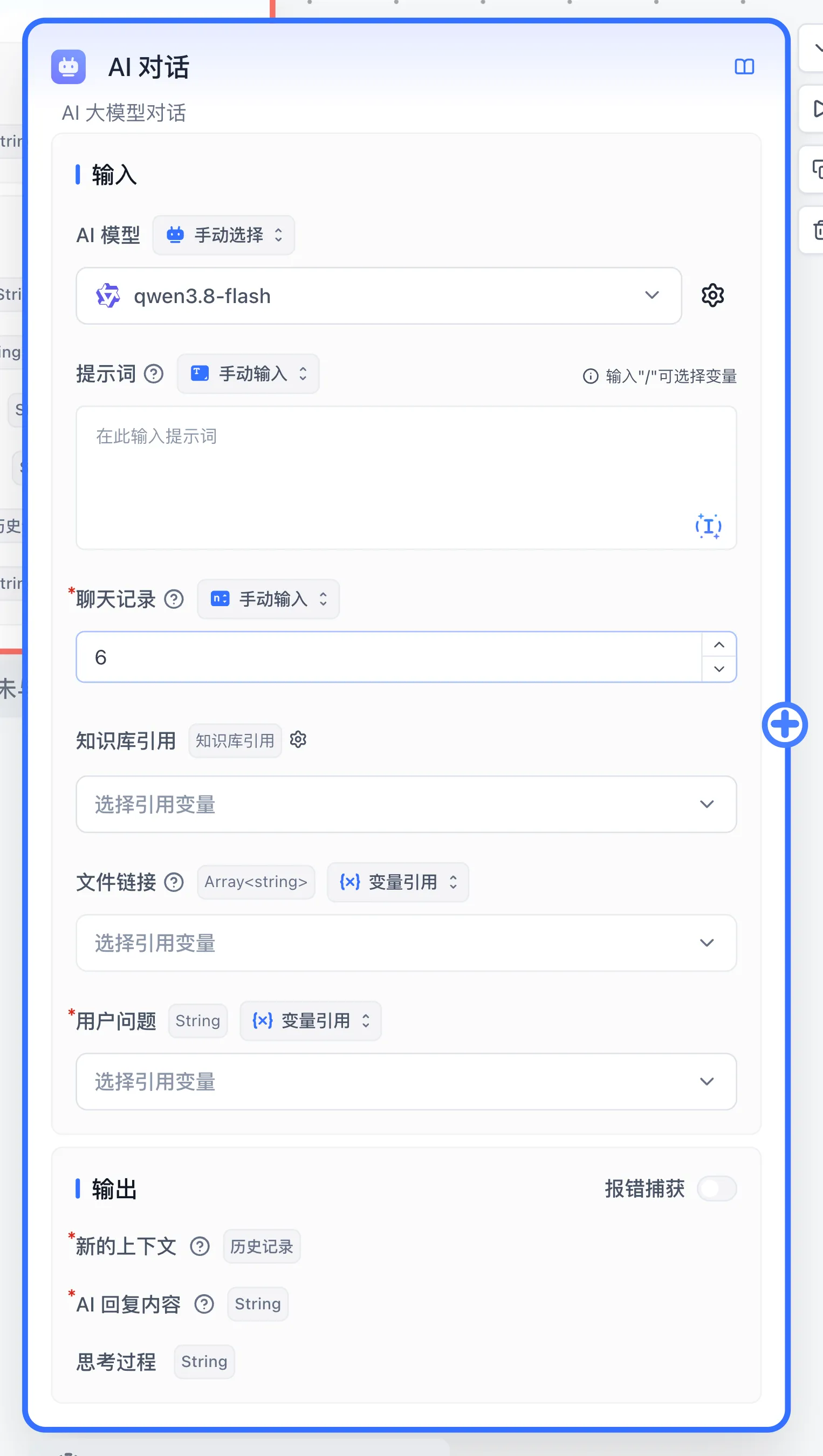
Open the application editor and inspect formatting rules in the prompt. For workflow apps, also open Citation prompt on the AI Chat node and inspect the Citation Template Prompt. Remove the Markdown instruction, test the same question in preview, then publish and repeat through the shared link:
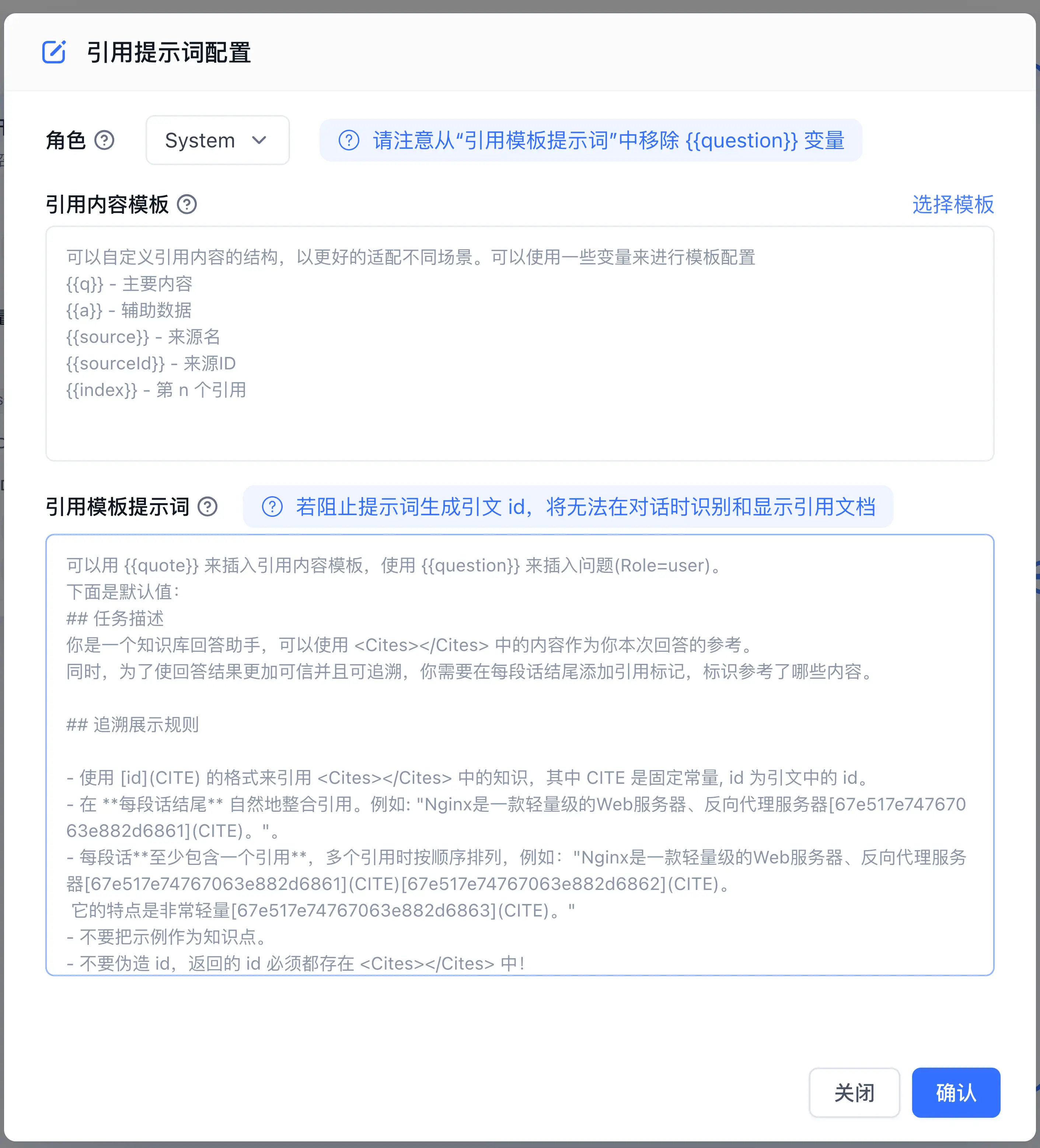
Without a custom Citation Template Prompt, the default template is used, and it asks the model to format answers in Markdown. Customize the template to remove that instruction.
Why does an app return different results across debug, published channels, and the API?
Q: The app produces different results in debug mode vs. production, or when called via API.
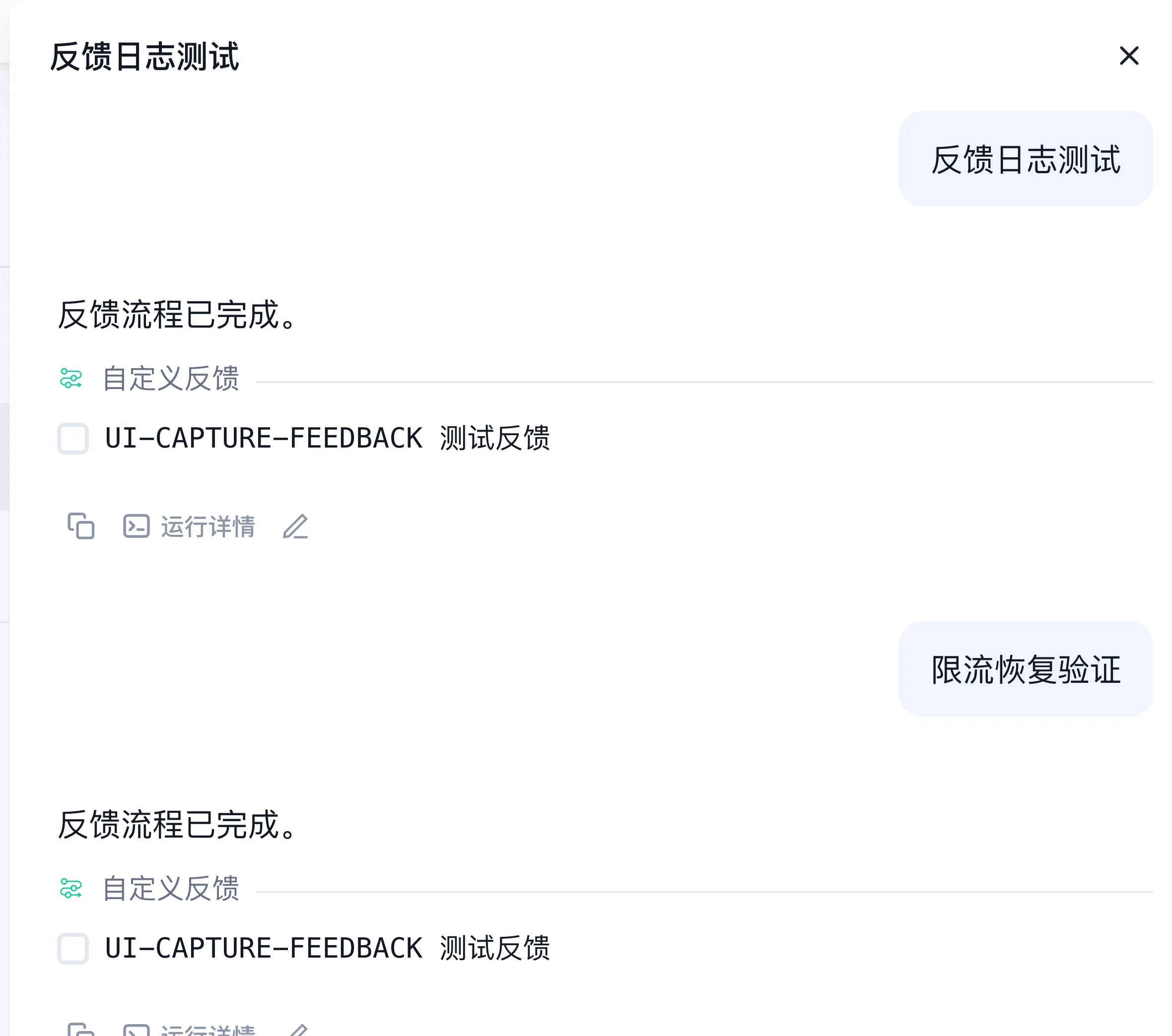
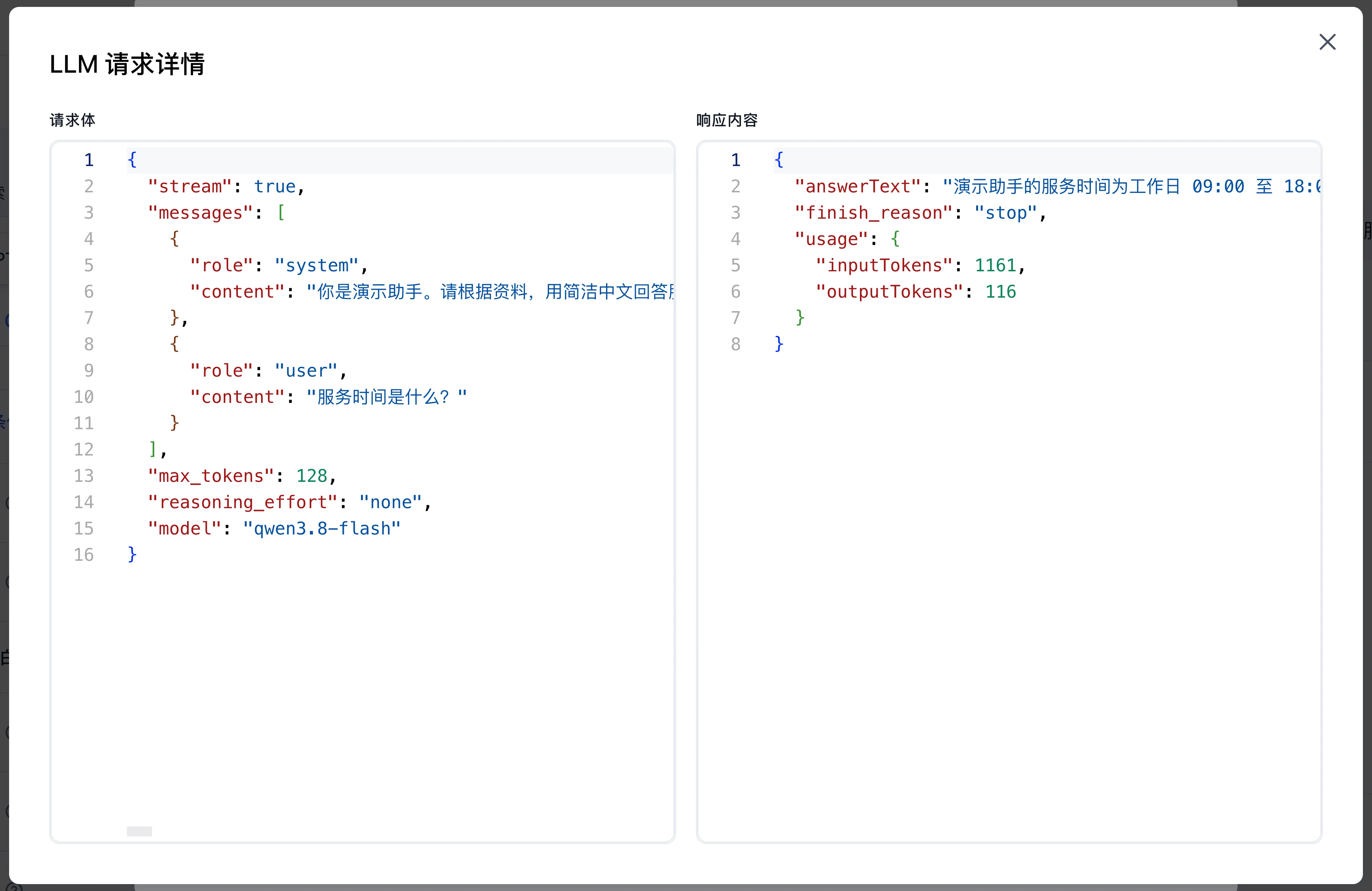
A: Open conversation logs and locate both executions by conversation and request time. Compare published version, input, history, variables, retrieved passages, model settings, and tool results in run details. Repeat with fixed inputs; see log troubleshooting.
How do I skip Question Classification for follow-up questions?
Scenario: A workflow starts with a Question Classification node that routes to different branches, each with its own Dataset and AI Chat. After the first AI response, you want subsequent questions to skip classification and go straight to the Dataset with chat history as context.
Solution: Add an If/Else node after Start and bind the condition variable to Start > Chat history: when its length is 0 (first turn), route through Question Classification; when greater than 0, connect directly to Dataset Search and AI Chat.
How do I fix math formulas failing to render in chat responses?
Add formatting instructions in the application's Prompt (or the Prompt field on the AI Chat node) to guide the model to output formulas in LaTeX/Markdown syntax:
Latex inline: \(x^2\)
Latex block: $$e=mc^2$$
Chat Interface and Interaction
Why does the chat interface say my browser does not support voice input?
- Verify that microphone permissions are enabled in both the browser and operating system settings.
- Confirm the site is permitted to access the microphone and the active input device is selected.
- Serve the site over HTTPS (SSL certificate), as modern browsers restrict microphone access to secure contexts.
Why is the model thinking process hidden in chat (before v4.15)?
Applies to v4.9.1–v4.14.x. FastGPT recognizes the upstream reasoning_content field or text wrapped in <think></think> tags (when "Supports thinking output" is enabled in the model settings).
Add the upstream relay's thinking toggle to the model's "Additional Body parameters" (such as {"enable_thinking": true} or {"chat_template_kwargs": {"enable_thinking": true}}), save, and start a new chat.
Why does tapping "Open the original text" in a citation do nothing on iOS?
Applies up to v4.17.0. iOS Safari (including WeCom's built-in browser) blocks new windows opened asynchronously after fetching a source URL.
Workaround: tap "…" in the upper-right corner to open in the system browser, or allow pop-ups in the browser settings.
Team Plugin Installation and Management
Why is the + Install Tool button missing?
The button appears only when two conditions are met: your account is a team administrator or team owner, and the system administrator has enabled Allow teams to upload plugins under Admin → System Config → Feature Flags (commercial edition only; when disabled, the entire button is hidden). Regular team members can use already installed plugins in workflows and Agents.
Why is Install from Marketplace missing?
When the install button is visible, Install from local is always available; if Install from Marketplace is absent, the deployment has disabled the marketplace (DISABLE_MARKETPLACE).
Why is an uploaded plugin unavailable?
Complete the installation confirmation step after package parsing, and configure any required secrets or runtime parameters before calling the plugin.
Does removing a team plugin affect the system plugin?
Team installations and system installations use separate sources. Removing a team plugin only deletes the current team's installation record.
Does a team plugin inherit system plugin secrets?
Team plugins are isolated from system plugins and require their own runtime parameters and secrets.
Why is "+ New Tool → Install from local" missing on the System Tools page?
Uploading and deleting system-wide tools require the root administrator account. Sign in as root to manage system tool packages; see Upload System Tools.
Third-Party Channel Integration
Why does a Lark, WeCom, DingTalk, or WeChat Official Account bot fail to reply?
- Verify that the callback URL, trusted domain,
Token,Encoding-AESKey, orClient Secretin the third-party developer console match the FastGPT publishing channel configuration. - Open the application's Conversation Logs in FastGPT to check whether the incoming message was recorded.
- When a log record exists without a client reply, confirm that message-read and message-send permissions are enabled and that the latest app version is published in the third-party console.
- When no log record appears, test with a minimal Q&A application first to rule out required global variables, file inputs, or image inputs.
How do I reset conversation history in Lark, DingTalk, WeChat Official Account, or WeChat Personal channels?
Send Reset (case-sensitive; WeChat Personal also accepts /reset) to the bot to start a fresh conversation session. In Lark, chatId is scoped per direct chat, per topic thread, or per group ID + user ID pair.
Why is the WeChat ClawBot entry missing in WeChat Personal integration?
The WeChat Personal integration path requires iOS and the latest WeChat client release, and entry visibility depends on client version and account rollout status.
Last updated