
OpenAPI Introduction
FastGPT OpenAPI Introduction
Automated API Documentation
The automated API documentation covers all endpoints in the current version, regardless of whether they can be called via API Key.
All future endpoints will be auto-generated, with documentation continuously improved.
Usage Guide
FastGPT OpenAPI lets you authenticate with an API Key to access FastGPT services and resources -- such as calling app chat endpoints, uploading knowledge base data, search testing, and more. For compatibility and security reasons, not all endpoints support API Key access.
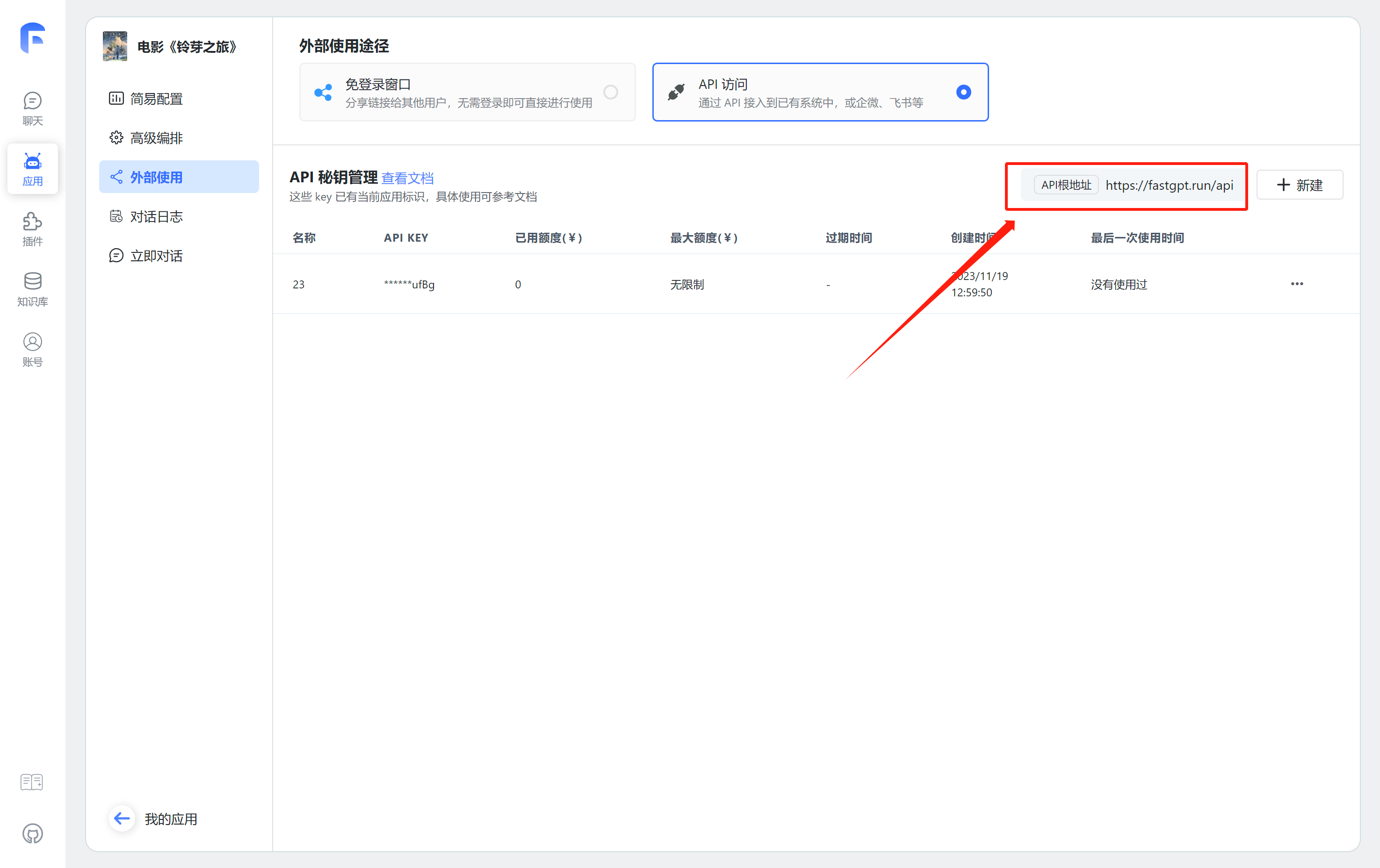
How to Find Your BaseURL
Note: BaseURL is not an endpoint address -- it's the root URL for all endpoints. Requesting the BaseURL directly won't work.
How to Get an API Key
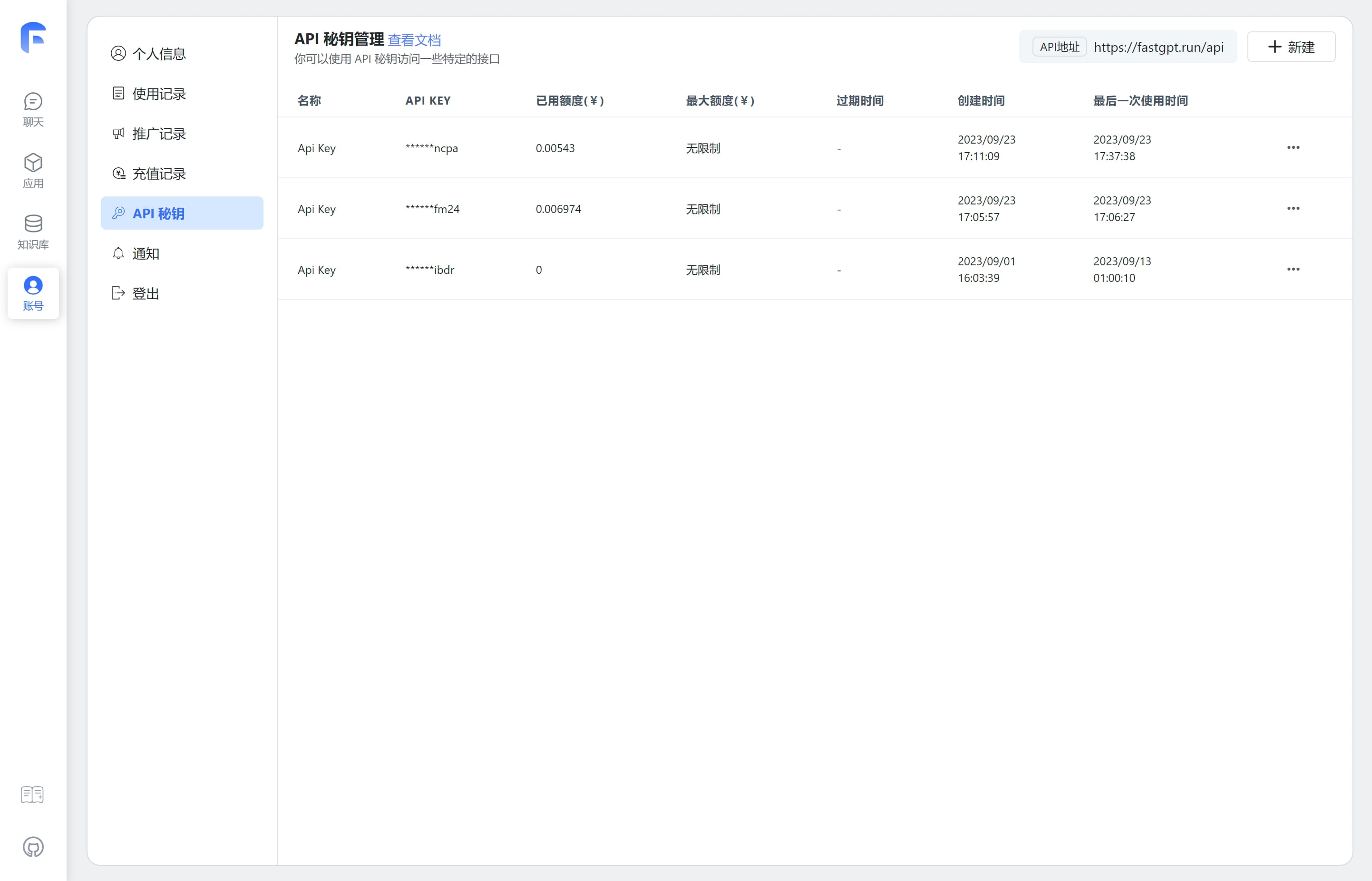
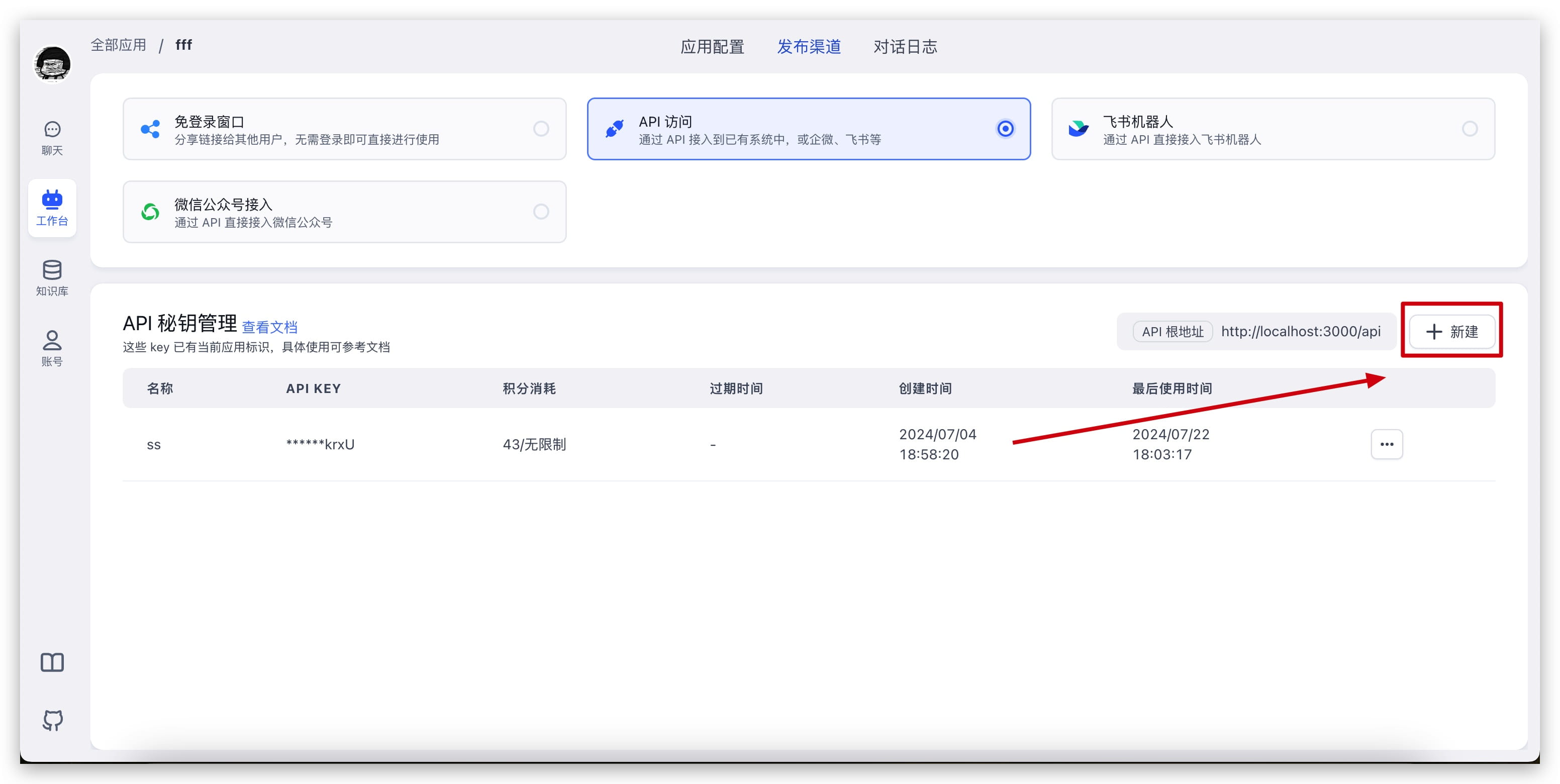
FastGPT has 2 types of API Keys: a global key (cannot directly call app chat) and an app-specific key that includes an AppId (can directly call app chat).
We recommend using app-specific keys only for app or chat-related endpoints, and global keys for everything else.
| Global Key | App-Specific Key |
|---|---|
 |  |
Basic Configuration
In OpenAPI, all endpoints authenticate via Header.Authorization.
baseUrl: "http://localhost:3000/api"
headers: {
    Authorization: "Bearer {{apikey}}"
}
Example: Start an App Chat
curl --location --request POST 'http://localhost:3000/api/v1/chat/completions' \
--header 'Authorization: Bearer fastgpt-xxxxxx' \
--header 'Content-Type: application/json' \
--data-raw '{
    "chatId": "111",
    "stream": false,
    "detail": false,
    "messages": [
        {
            "content": "Who is the director",
            "role": "user"
        }
    ]
}'
Custom User ID
Since v4.8.13, you can pass a custom user ID that will be saved in the chat history.
curl --location --request POST 'http://localhost:3000/api/v1/chat/completions' \
--header 'Authorization: Bearer fastgpt-xxxxxx' \
--header 'Content-Type: application/json' \
--data-raw '{
    "chatId": "111",
    "stream": false,
    "detail": false,
    "messages": [
        {
            "content": "Who is the director",
            "role": "user"
        }
    ],
    "customUid": "xxxxxx"
}'
In the chat history, this record's user will be displayed as xxxxxx.
File Updated