
Web Scraping and Scheduled Synchronization
Master website ingestion rules, CSS selector extraction, chunk index configuration, and automated scheduled syncing.
Website knowledge bases discover pages under the same domain and ingest their text. This feature requires the corresponding commercial entitlement. Use accessible static pages and confirm permission to retrieve and use the content.
Step 1: Create a Website Dataset
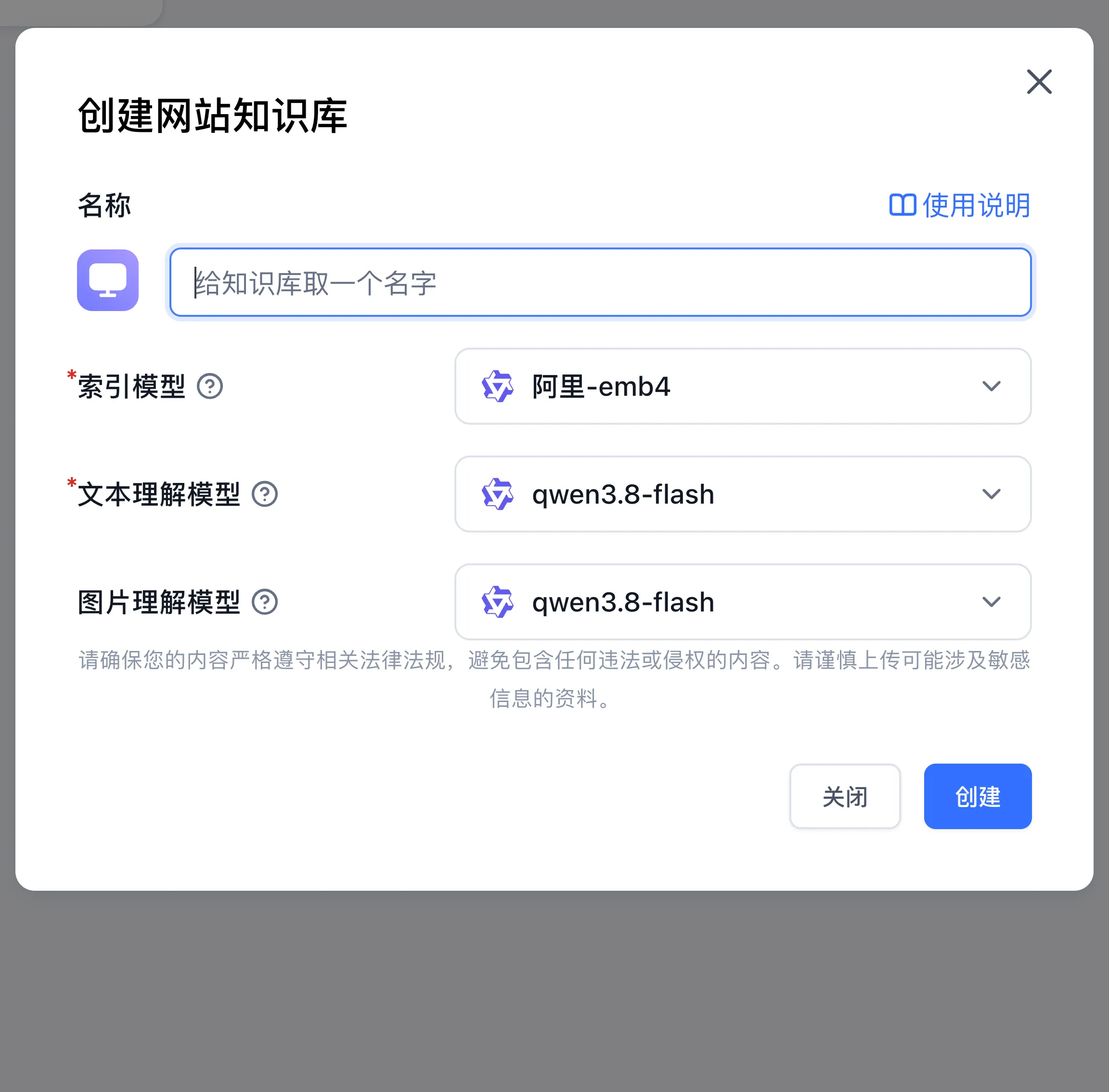
- Open Knowledge Bases → New and select the website knowledge base type.
- Enter a name and choose the indexing and text-understanding models; select an image-understanding model when needed.
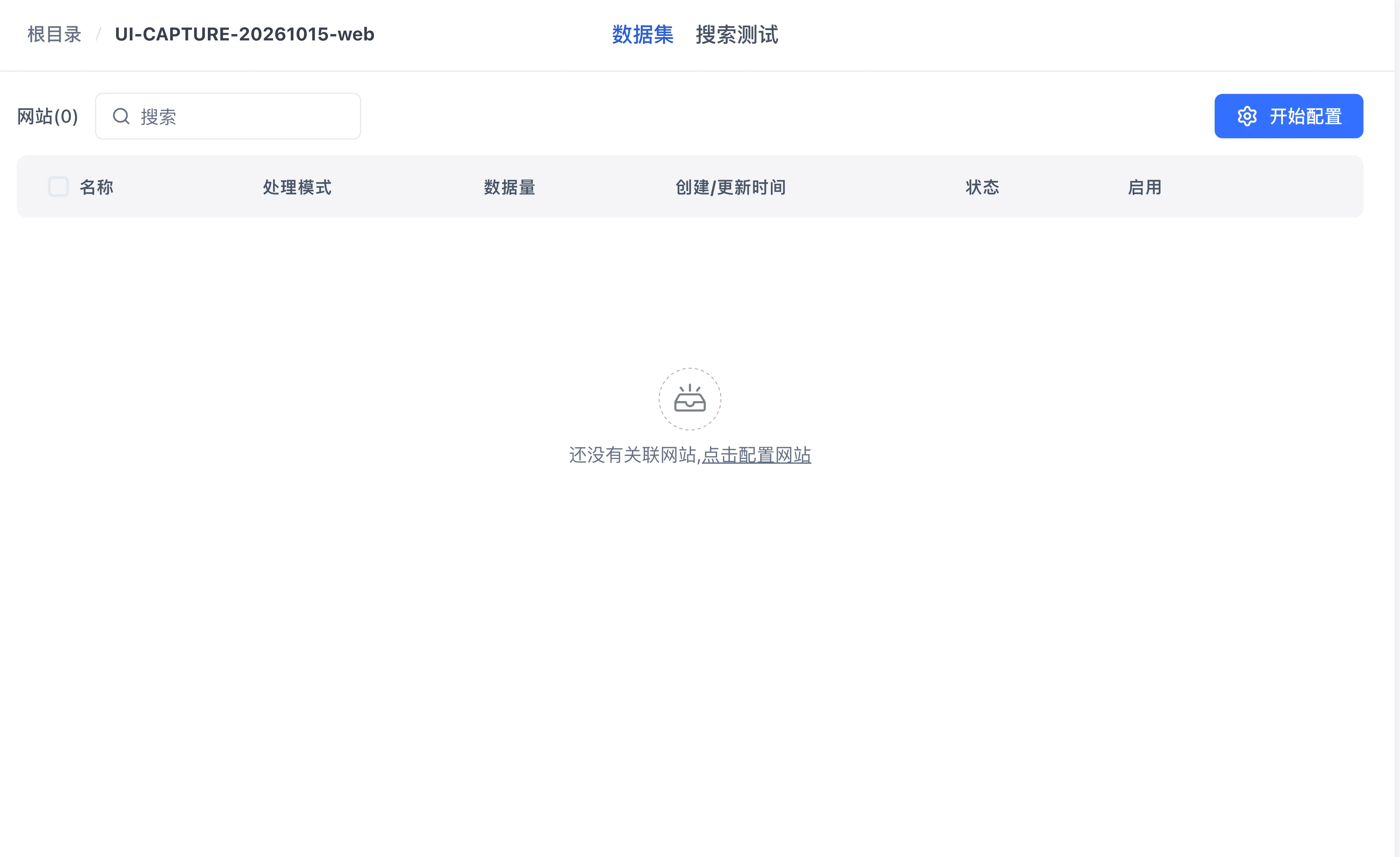
- Open the new knowledge base and click Start Configuration.
Step 2: Configure the Root URL
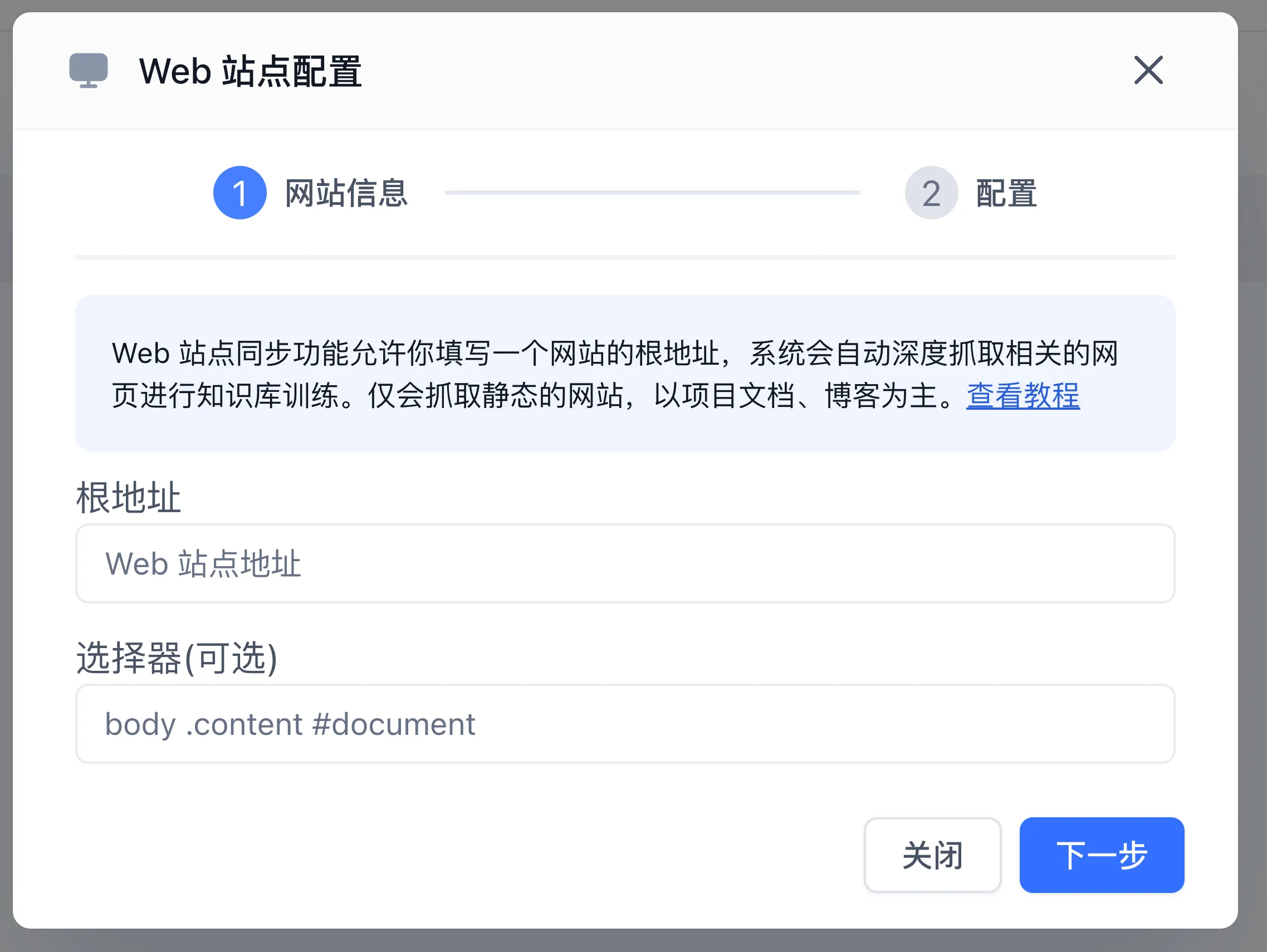
In the Website Info step of the Web site configuration modal, enter the Base URL (such as https://docs.example.com/guide). The site-sync flow discovers same-domain child pages, with a current discovery limit of 200 pages. Review the discovered collections to verify coverage. Use the web-link import flow for individual pages.
Step 3: Select the Article Body
Inspect the target page's HTML and enter a CSS selector such as article, main, or #content in Selector (optional). Choose a container holding the useful body text. Combine selectors with commas when the title and article are separate, for example h1.page-title, article.
Check the selected elements in browser developer tools, then inspect imported chunks for complete text and repeated navigation. Recheck selectors after a website redesign.
Step 4: Configure Processing and Verify Synchronization
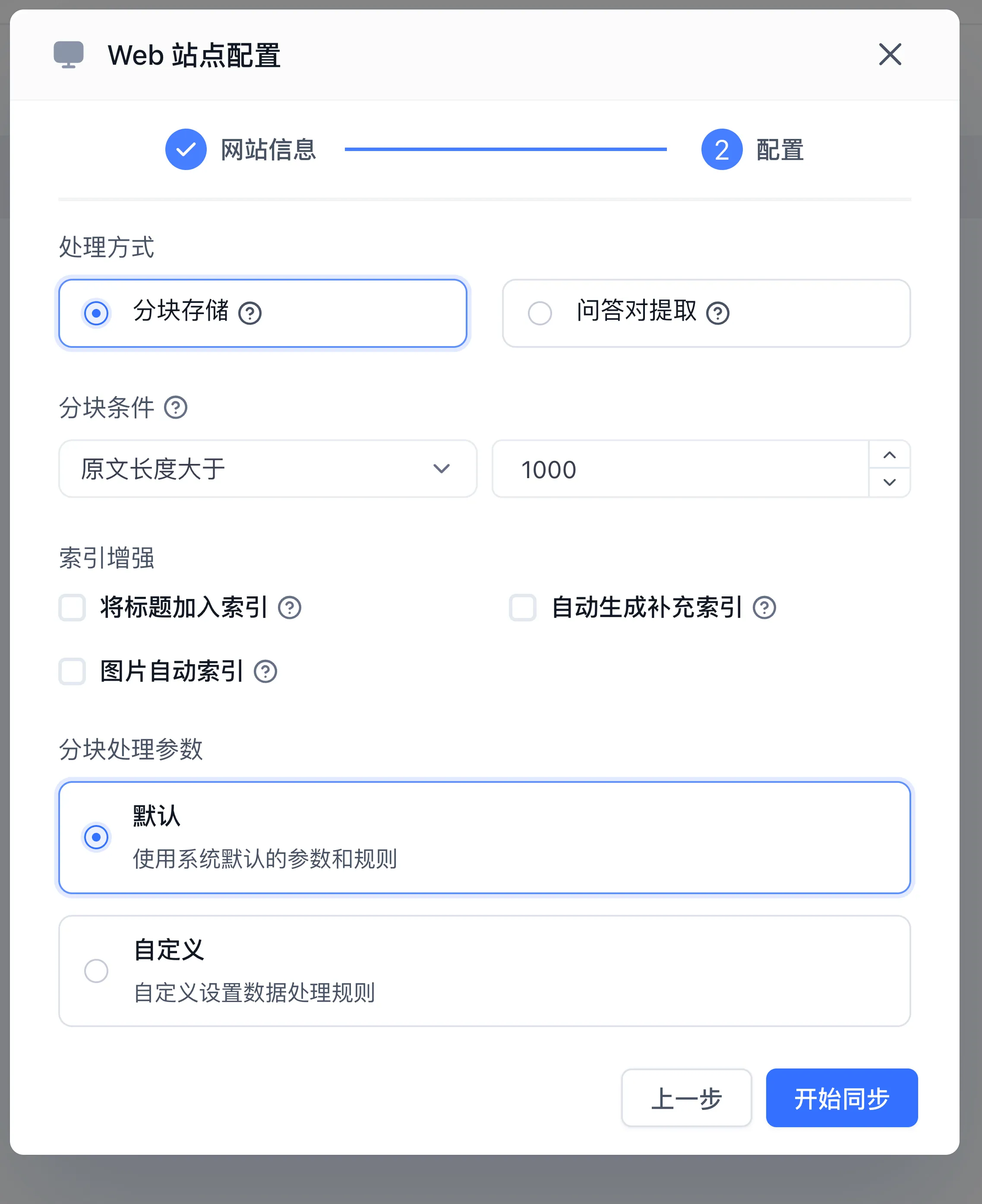
- Click Next, choose chunk storage or Q&A extraction, and configure the processing and index options supported by the current UI.
- Start synchronization and wait for collection creation and training to finish.
- Test a question with a known answer and inspect the cited source.
- For recurring updates, enable Scheduled sync in the right-hand dataset information panel (the system polls daily, and collections being rebuilt may be temporarily unavailable during sync). Verify the last sync result and processing status after source changes; see Data Maintenance.
Scraping Troubleshooting
| Issue | Resolution Focus |
|---|---|
| Crawled content is empty | The target page relies on client-side single-page JavaScript (SPA); provide server-rendered (SSR) or static URLs |
| Extracted text contains sidebar links | Refine the Content Selector to target the specific HTML class or ID containing the article text |
| Crawler encounters HTTP 403 Forbidden | Confirm the site allows crawler access and request an authorized access method from its administrator |
Next Steps
- Test search recall: Explore Search Testing and Retrieval Parameters.
- Attach to applications: Follow Connecting Knowledge Bases to Applications.
- Maintain assets: Review Data Maintenance and Incremental Updates.
Last updated