
Custom Feedback
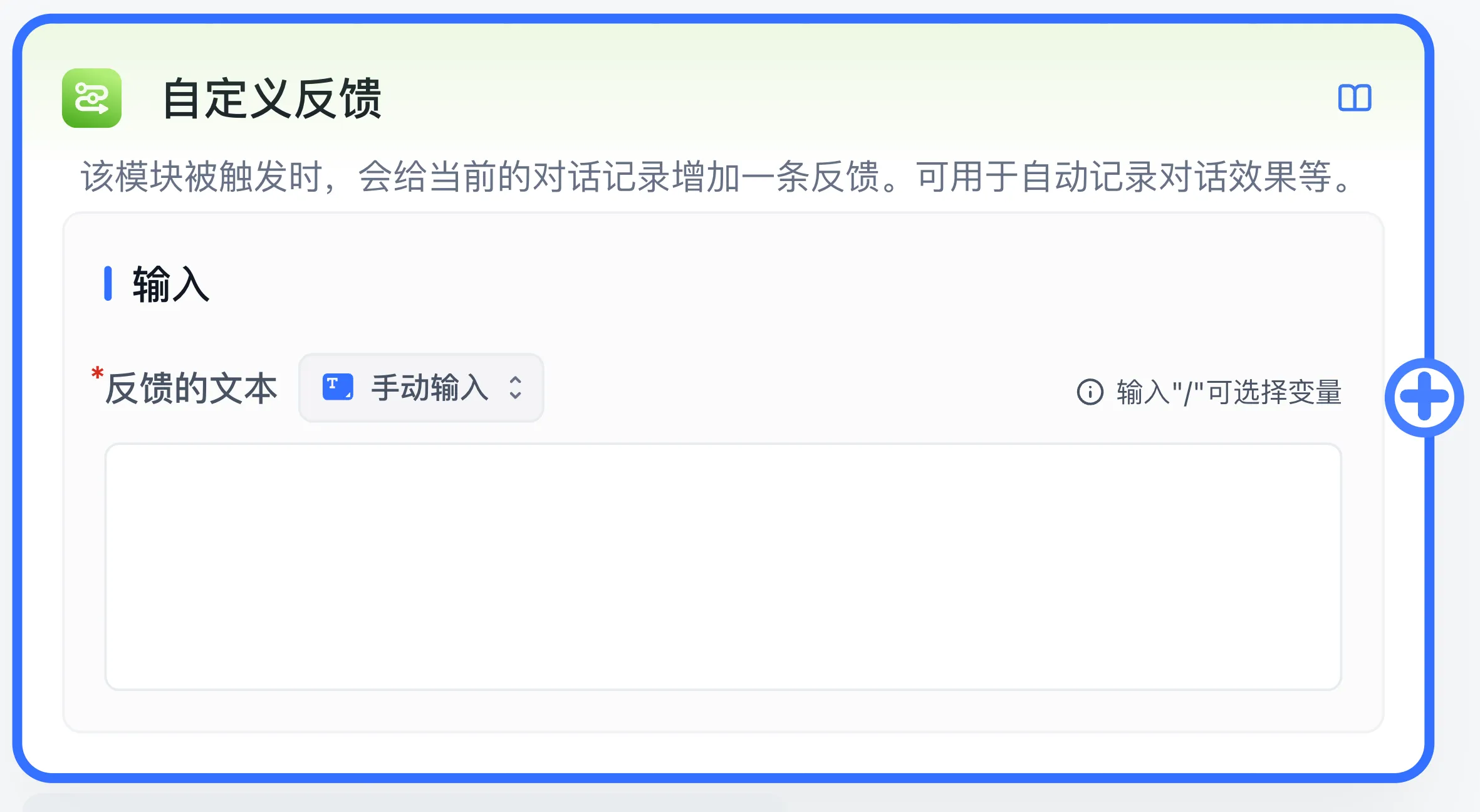
Use the FastGPT Workflow Custom Feedback node to append automated evaluation labels and custom feedback records to conversation logs.
Characteristics
- Can be added multiple times
- Supports feedback text or variable input
- Triggered through execution connections
Overview
The Custom Feedback node adds a feedback tag to conversations, making it easier to analyze conversation data from the admin panel.
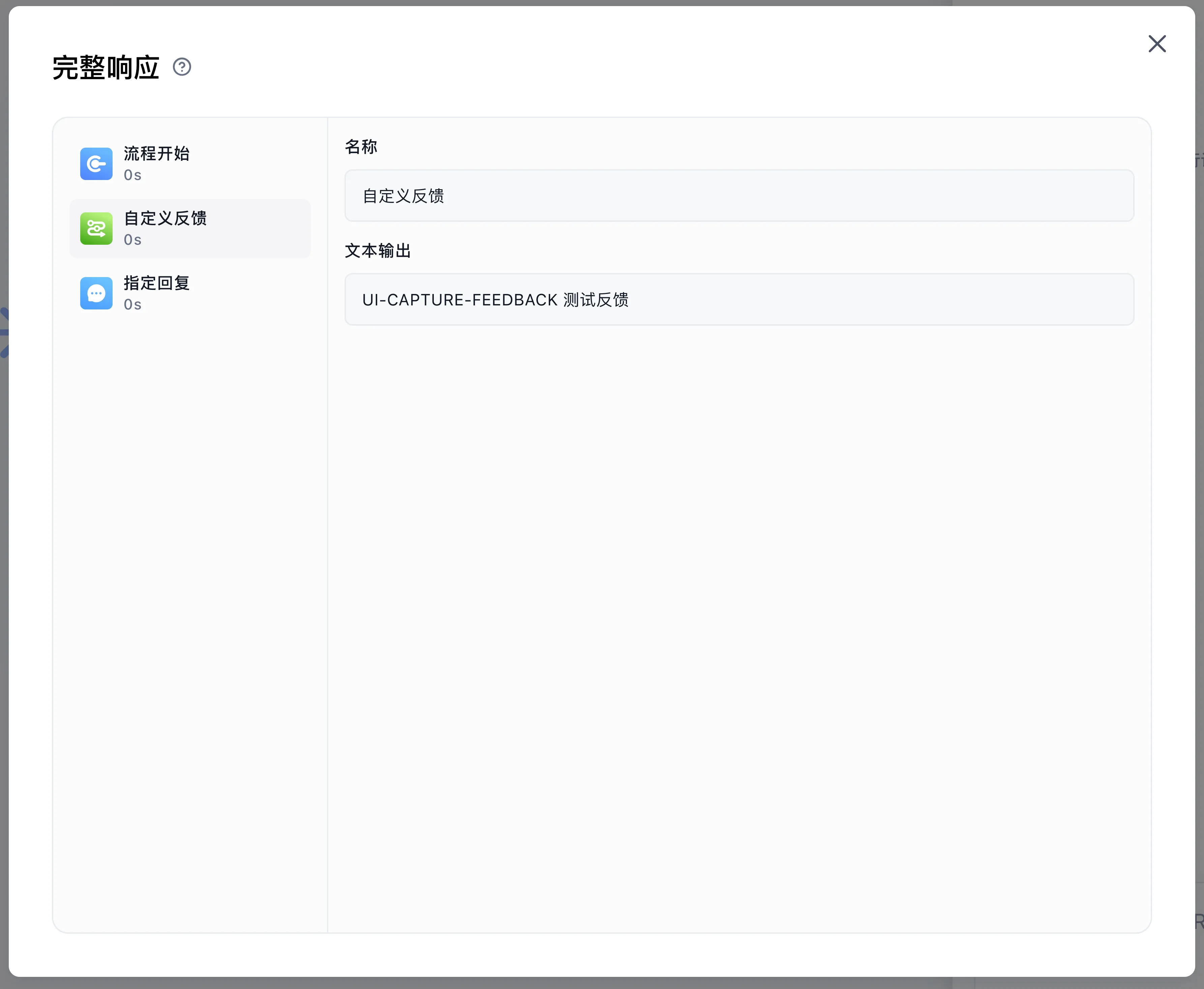
Inspect feedback text in debug execution details to verify the branch and input.
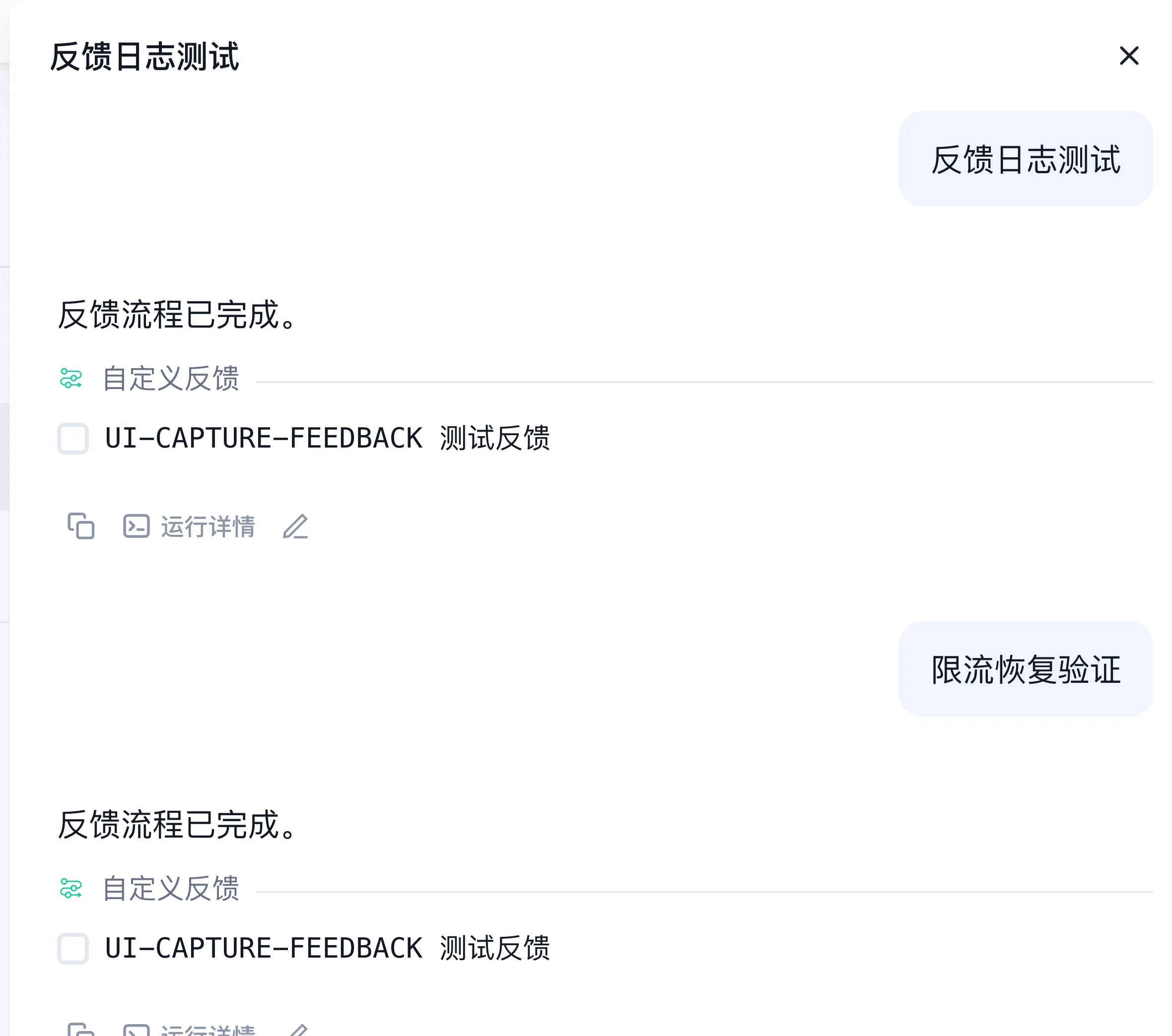
When an actual conversation is saved, feedback is stored with the response in conversation logs.
Use Cases
The Custom Feedback node works like event tracking in software development, letting you observe and monitor data within conversations.
Configuration, results, and example
The required input is Feedback Text, a string entered directly or referenced from an upstream variable. The node adds it to this run's custom feedback for saved conversation logs. The template exposes execution connections and has no declared data-output fields.
For example, add Custom Feedback to a branch needing human review, set the text to needs_review, then connect Assigned Reply with Your request is awaiting review. Inspect the feedback text in debug execution details. After publishing, complete a new conversation through an actual channel and check its log for the marker.
Use short, searchable business markers. For missing feedback, verify that the branch ran, the input reference had a value, and the conversation saved successfully. Continue with conversation logs.
Last updated