
Access App via API
Create application API keys and invoke published FastGPT applications through the OpenAI-compatible chat and workflow endpoints.
App keys require FastGPT 4.18.0 or later. Under Publishing Channels → API Access, switch between App keys and Personal keys:
- App key: bound to the current app for its chat and chat management endpoints. App administrators can view, create, and manage all keys on the app, including keys created by other administrators. Authorization comes from the key itself independently of its owning member's app permissions.
- Personal key: accesses supported OpenAPI endpoints as the current member. Permissions follow that member's team and resource access, and members view and manage their own keys.
With an app key, omit appId and sourceType on supported chat endpoints; the server uses the bound app and fixes sourceType to app even when a request supplies appId or an apiKey-appId suffix. With a personal key, pass body.appId to chat/completions whenever possible, or use the apiKey-appId compatibility format.
When listing sessions, an app key queries API-source sessions for the bound app. See the OpenAPI Introduction for pagination parameters and a request example.
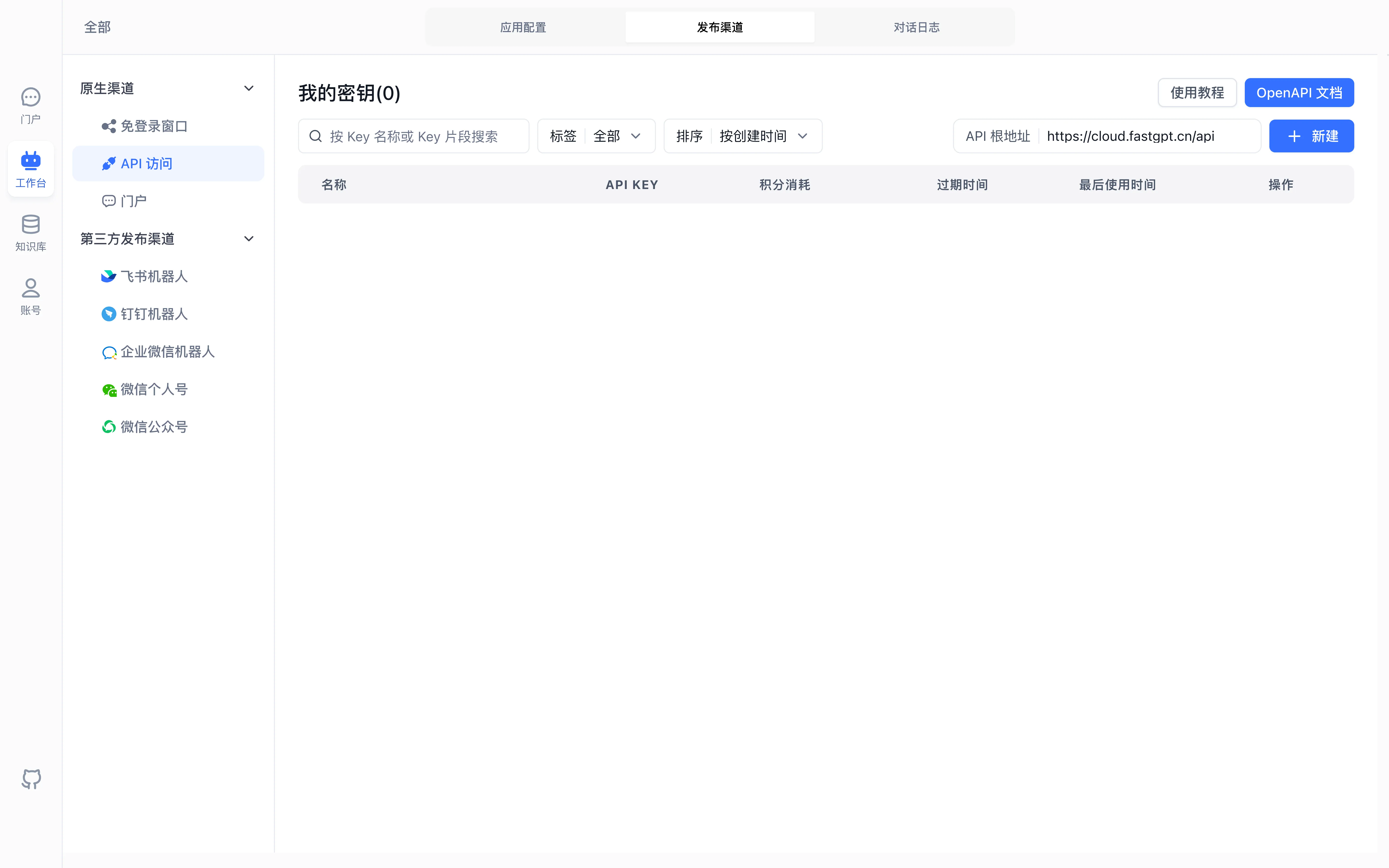
The APIKey list is empty in this example. The displayed service root ends in /api; an OpenAI-compatible SDK uses /api/v1 or /api/v2 as described below.
Connect your user system
Requires FastGPT 4.18.0 or later.
Keep the API key on your backend. After authenticating a user, pass your user ID as customUid. This example uses an app key and omits appId:
{
  "customUid": "customer-42",
  "messages": [{ "role": "user", "content": "Hello" }]
}
customUid accepts up to 1,024 characters. FastGPT forwards the value unchanged to the Workflow's userId and records it as the user in chat logs. An omitted, null, or empty value uses the default member identity while keeping the API key's authenticated member and scope unchanged. Personal keys support authProxy, which is mutually exclusive with customUid (providing both returns a parameter error); app keys identify external users via customUid.
Chat logs display the user by default. Enable the hidden Authorizer column in column settings to view the authenticated member; CSV exports follow your selected columns. Your backend remains responsible for user authentication and session access control.
Get an API Key
Go to App -> Publishing Channels -> API Access, select the key type, and click New in the upper-right corner. Creating an app key requires app administrator permissions on the app; personal keys follow the team's Create API Keys permission setting.
Keep keys on your backend, away from browsers and client apps. To copy a key again later, use the copy button in the API list.
Quota and expiration controls depend on commercial capability configuration; see API getting started. Store keys on a trusted server and revoke exposed credentials promptly.
Replace Variables in Third-Party Apps
OpenAI-compatible clients use your instance URL plus /api/v1 as the SDK base URL, and /chat/completions as the request path. For example:
Base URL: https://YOUR_FASTGPT_HOST/api/v1
API key: YOUR_APP_API_KEY (use an app key as-is; for a personal key, pass appId in the request body or use YOUR_PERSONAL_KEY-YOUR_APP_ID)
Some clients expect a service origin and append /api/v1 themselves. Follow that client’s version-specific configuration and inspect the final request URL. Test a short message and confirm the published application answers; credentials stay in a trusted server-side configuration.
For ChatGPT Next Web and ChatGPT Web, consult the client’s current configuration guide.
Last updated