
Input Guide
Configure input autocomplete suggestions and prompt lexicon guidance in FastGPT chat applications to help users ask effective questions.
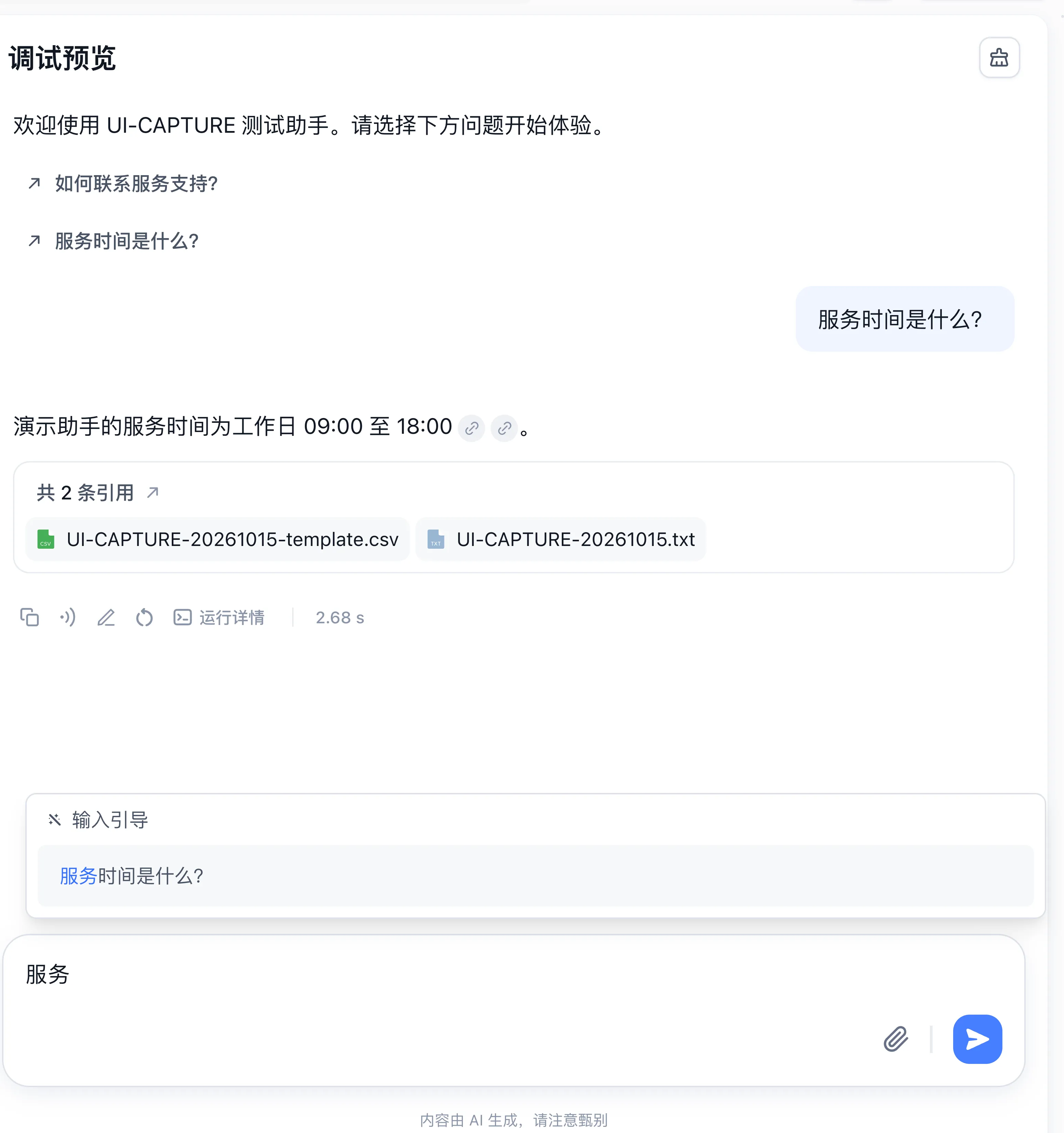
What is Input Guide?
You can preset questions for your app. As users type, the system dynamically searches these questions based on their input and displays them as suggestions, helping users ask questions faster.
Configuration Entry
- Open the Chat Agent or Workflow editor, locate Input Guide in the left configuration panel (or under System Settings in a Workflow), and turn on the toggle.
- Click Configure Lexicon to add or import preset questions directly in FastGPT, or click Custom Lexicon URL to specify an external API endpoint.
Custom Lexicon URL Specification
The endpoint must be accessible from the user's browser. Configure cross-origin resource sharing (CORS) to allow requests from the chat page's origin. After you set a custom API URL, the browser sends a GET request to it as the user types; no request is sent when the input exceeds 20 characters.
Request:
curl --location --request GET 'https://your-domain.com/api/input-guide?sourceType=app&sourceId=663c75302caf8315b1c00194&searchKey=you'Where sourceType is the chat source type (app for app chats), sourceId is the app ID, and searchKey is the search keyword. Requests from a share link also include outLinkAuthData (the share authentication data as a JSON string).
Response
{
  "code": 200,
  "statusText": "",
  "message": "",
  "data": ["it's you", "who are you", "you're great", "hello there", "hello"]
}
data is an array of matched questions. Your endpoint decides how many to return (the built-in FastGPT lexicon returns up to 6).
Parameters:
- sourceType - Chat source type,
appfor app chats - sourceId - App ID
- searchKey - Search keyword
- outLinkAuthData - Share authentication data as a JSON string, sent only from share links
Last updated